Long-Task Agent: Audit the Job Clock First
By William Zhu & the InfiniSynapse Data Team · Published: 2026-08-22 · Last updated: 2026-09-17 · Last verified: 2026-08-31 · Next review: 2026-11-30 · Editorial standards · Corrections
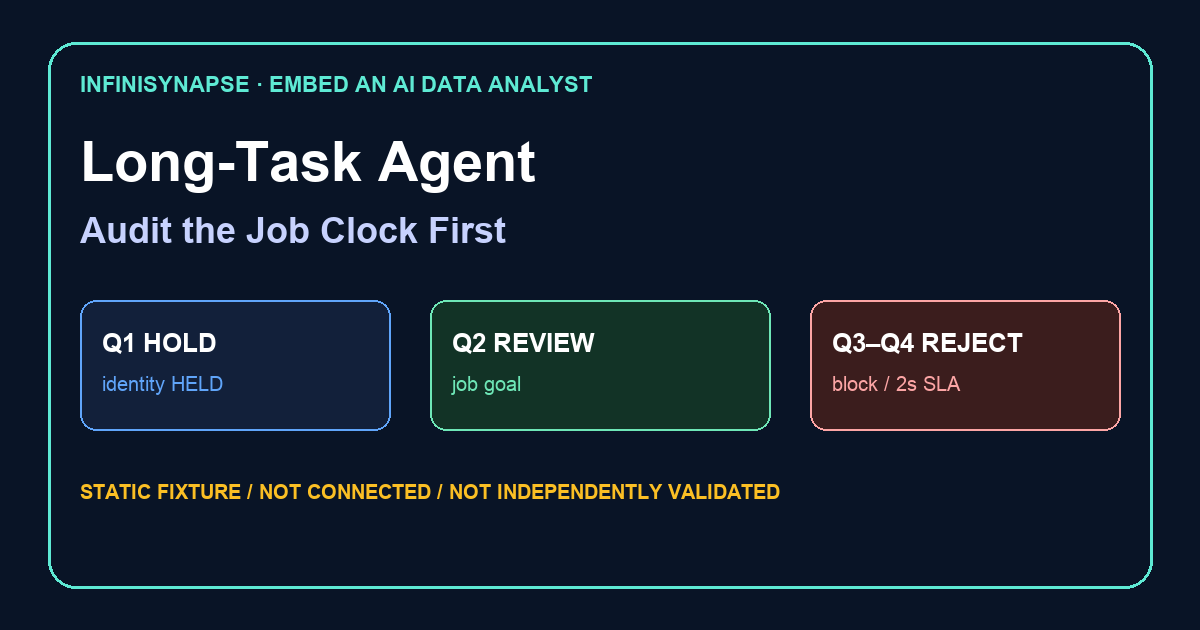
Table of Contents
- TL;DR
- What a long-task agent is in a product
- Evidence Boundary
- A duration framework for embedded analysis
- Create, poll, reopen
- Why a two-second SQL box fails
- Tool landscape: chat box versus job layer
- Implementation steps for the first long job
- Desk sample: warehouse scan that outlasted a spinner (illustrative)
- Selection scorecard
- Practical Static Replay
- Sources and Limited Claims
- Failure modes that collapse back into ChatBI
- Frequently Asked Questions
- Conclusion
TL;DR
Direct answer: A long-task agent is the product embed you can audit. This static pack is HOLD / NOT READY FOR CONNECTION: no API key, task id, or host call was observed. Replay the authored contribution goal and two policy rejects offline. The verifier proves file agreement only.
Your UI captures the question. The agent runs a job that may take minutes, retry SQL, and write files. /tasks shows the same timeline. A two-second ChatBI box is the wrong layer. This is not a customer integration, latency SLA, award, media endorsement, or third-party evaluation.
What you'll learn:
- Why a long-task agent is a job layer, not a sync SQL box
- Which objects you store (task id, status) and which objects you refuse (browser keys, cached paragraphs)
- How HTTP create plus SSE status keeps the host page honest
- A create, poll, reopen contract so a button and a nightly cron share one job id
- A static warehouse-scan identity fixture
- Failure modes: blocking requests, dual timelines, and “answer in 2 seconds” SLAs
The hub for embedding an AI data analyst is the product picture. This page is narrower: duration. If analysis can take minutes, you need a long-task agent before you need a prettier widget.
What a long-task agent is in a product
Key Definition: A long-task agent is a professional AI data analyst that runs as a cancelable job: it plans, queries authorized sources, retries, and writes artifacts while your product only stores the task id and a status. It is not a two-second ChatBI box and not NLP2SQL inside a spinner.
Product managers hear “embed analysis” and picture a chat drawer. That picture fails the first time a scan exceeds the HTTP timeout. A long-task agent treats duration as a feature of the work, not as a bug in the model. The user sees “started.” An analyst later opens the same id and reads SQL.
NIST’s artificial intelligence pages (retrieved 2026-09-04) are independent context for systems that act over time: you still need measurement, review, and a human who can reopen the trail. A long-task agent without that trail is just a slower chatbot.
If the missing object is the wire, continue in the data agent API. If the next failure is the host screen, use analyze inside your app.
MongoDB documentation (retrieved 2026-09-04) is a useful reminder that many host products already store documents, not rectangular answers. The job record a long-task agent writes is closer to a document with steps than to a cell in a sheet. Do not flatten the job into one string because your UI has one text node.
Jobs you can cancel, time, and trace
Analysis is a job. You should be able to cancel it, see how long it ran, and open every step. A long-task agent that cannot be cancelled will burn warehouse credits on a click the user did not mean. A job you cannot time will be declared “broken” when it is merely slow. A job you cannot trace will be defended with a screenshot.
Not a two-second SQL box
A two-second SQL box is a demo. Natural language to SQL as a single round trip can serve a warm, tiny query. A long-task agent exists for the rest: cold scans, retries, charts, and a memo someone will file. If your success criterion is “answer before the spinner looks ugly,” you have chosen ChatBI and you should say so.
Evidence Boundary
This is a synthetic, static, NON-CONNECTING long-task agent identity fixture (LTAL-20260831). No API key, host URI, task id, executed SQL, warehouse hop, or production workflow was observed.
The package does not claim that anyone held an HTTP request past thirty seconds, returned a live task id, retried a filter on a trail, or confirmed a date window. To operationalize a long-task agent, each claim needs environment evidence.
Do not prove a negative privilege by writing to a production host. First review the key store and the role catalog. Any later negative test needs separate authorization. TLS is not optional because the path looks private.
This page has no customer case, no measured SLA, no media mention, no award, and no independent institutional endorsement. The first-hand object is the authored pack you can download and lint offline. The company About page is a self-description, not third-party recognition.
A duration framework for embedded analysis
Three clocks stay distinct when you ship a long-task agent. Mixing them is how SLAs become fiction.
| Clock | Honest budget | Failure if you collapse it | Fixture state |
|---|---|---|---|
| UI acknowledge | Sub-second task id | User thinks the product hung | HELD |
| Agent job | Minutes, retries, files | You truncate the scan or fake an answer | not executed |
| Human review | Open /tasks when needed | Support invents a second transcript | policy text only |
W3C’s tabular data model (retrieved 2026-09-04) is the independent reminder that tables have annotations, not just cells. A long-task agent should leave those annotations in artifacts: which filter, which grain, which file. A ChatBI box leaves a sentence.
What the host may wait for
The host may wait for the task id. The host may stream status. The host must not wait for the PDF. A long-task agent that forces your request worker to hold the warehouse scan will fail the first traffic spike. Return queued or running. Notify on ready or failed.
IETF RFC 4180 (retrieved 2026-09-04) is a small, public contract for CSV. Use it as a metaphor: the job has a declared shape. A long-task agent that returns “some text” has no shape. Declare id, status, and artifact list. Let the files be CSV, Markdown, or a chart. Do not invent a second schema in your database for the paragraph.
Create, poll, reopen
A button and a nightly cron must share the same job id. If the scheduled pack writes a Slack paragraph and the button writes a different chat log, the next incident will argue about which story is true. Persist the id on both paths. Notify on ready. Let a human open SQL before anyone forwards a number.
| Step | Honest budget | Failure if you collapse it |
|---|---|---|
| Create | Sub-second task id from your server | The page blocks on the warehouse |
| Poll or stream | Status text the operator can read | A spinner with no id |
| Reopen | The same id in /tasks | Support invents a second transcript |
Return 202. Show the id. Let the operator keep working. RFC 7231 (retrieved 2026-09-04) is the independent HTTP map: POST creates, GET reads status, 202 means accepted.
The following files are an illustrative desk composite, not a customer result. Run ID: AIAU-20260831. Goal family: “Build last-week margin pack for this tenant on the authorized replica, America/New_York, after 06:00.” Identity is HOLD. Replay is file agreement only.
Download the identity register · accepted host note · decision register · review rules · verifier.
Why a two-second SQL box fails
Sync ChatBI looks cheap. It dies on three ordinary events: a cold warehouse, a retry after a timeout, and a chart file. You will add caches. Then you will add a “good enough” number. Then someone will paste that number into a board pack. A long-task agent refuses that bargain. It finishes the job or it fails in the open.
Chat with your data is a valid human door on the web. It still creates a task. The difference is honesty about duration. A long-task agent makes that honesty the product contract.
Apache Kafka documentation (retrieved 2026-09-04) describes streams that outlive a single HTTP request. You do not need Kafka to embed analysis. You need the same idea: the work continues after the request ends. SSE on the data agent API is enough for one user watching one job.
Same goal, different clocks
Prove the goal in the web console, where a human can wait. Then call the same goal from your backend. The long-task agent does not become faster because a product button triggered it. The button only becomes honest because it no longer pretends the clock is two seconds.
Tool landscape: chat box versus job layer
Four patterns show up in 2026 buying conversations.
| ID | Candidate | Outcome | Why |
|---|---|---|---|
LTAL-Q1-IDENTITY | api key, task id, host URI | HOLD / NOT READY | all identity fields HELD |
LTAL-Q2-JOB-GOAL | ops-admin contribution goal + four host fields | QUALIFIED FOR STATIC REVIEW | policy text; DO NOT EXECUTE |
LTAL-Q3-BLOCKING | hold the HTTP request on the scan | REJECTED AS UNSUPPORTED | a spinner is not a clock |
LTAL-Q4-TWO-SECOND | two-second SLA for analysis | REJECTED AS UNSUPPORTED | duration is the work |
Sync ChatBI widget. Fast to demo. Fails on scans. Hides SQL.
NL2SQL box. Useful for a known table and a tiny filter. Not a long-task agent.
Separate BI tab. Fine when nobody needs an in-app button. Slow when the question is born on a tile.
Job layer plus /tasks. Your UI starts the job. The agent runs. The console is the audit. InfiniSynapse’s educational path is this last pattern: web proof, API or CLI start, same timeline, artifacts in the workspace. That product surface is not evidence this pack connected. Private deployment exists; prove the job on the web tool first.
A dashboard can be a file the job writes. Data visualization can live in that file. Neither replaces the long-task agent. If you only ship a pretty board with no SQL, data governance review will fail.
Where MCP and the CLI fit
MCP for data analysis helps an IDE. agent_infini is another door. Both should land in /tasks. A long-task agent that exists only as an IDE tool is not embedded in your product. It is a developer convenience.
Implementation steps for the first long job
These steps replay a long-task agent identity pack offline. Skip the authored job goal and the two-second box will look cheaper.
- Write the one in-app goal family the host will send, including noun, date window, timezone, and source.
- Compare the accepted host note as policy text. Do not execute. Confirm steps, SQL, and files are named as required artifacts, not as a live run.
- Confirm the authored rule rejects a blocking HTTP hold and rejects a two-second analysis SLA.
- Open
identity-register-LTAL-20260831.csvand confirm every sensitive field isHELD. - Run
python3 verify-LTAL-20260831.pyfrom the downloads directory.
A passing local check does not authorize a long-task agent on any host. It reports deterministic file agreement among the authored downloads only.
Persist tenant, requester, task id, and status. A ready state means files exist. If support cannot click from your admin into the same task, the host record is incomplete. That record is how a long-task agent stays a layer instead of a bubble. Until an authorized console proof exists, keep HOLD.
Desk sample: warehouse scan that outlasted a spinner (illustrative)
Static fixture, not a customer count and not a latency SLA. Host note: an ops admin. Button text: “Explain this week’s contribution.” The lint register for a long-task agent rejects a request that holds the warehouse scan and rejects a two-second SLA.
A long-task agent is static-ready where the contribution noun and four host fields are named, and held where they are not.
| Evidence class | What you can cite | What you cannot claim |
|---|---|---|
| Static pack on this page | Clock split, id contract, inspectable artifacts | Customer uplift %, timed-out gateway, posted memo |
| Published authority (linked) | Frameworks and definitions from the cited sources | That those sources ran this fixture |
Labels stay illustrative, not a measured product result. Published context: NIST AI pages, MongoDB docs, W3C tabular data model, RFC 4180, Kafka docs, retrieved 2026-09-04.
The phrase long-task agent is the object under test. If a file cannot show how a long-task agent named the week already on the tile, reject the number.
Selection scorecard
Score a long-task agent the way you would score a batch job, not a chatbot.
| Criterion | Weak | Strong |
|---|---|---|
| Clock | Answer in two seconds | Long-task agent returns an id, then files |
| Retry | Hidden, or none | Visible in /tasks |
| Keys | In the widget | On the server |
| Audit | Chat bubble | Plan, SQL, artifacts |
| Success | A sentence | A task you can reopen |
| Product fit | New BI suite | One button on a screen you already have |
If a vendor cannot show a long-task agent and a sync ChatBI as different objects, you are being sold a widget. If the first slide is a two-second demo on a cached table, ask to see a cold scan.
Practical Static Replay
Replay a long-task agent as a file comparison: freeze LTAL-20260831, confirm held identity fields, confirm the accepted note names the contribution goal family and four host fields, confirm Q3–Q4 are policy rejects, then keep verifier output and hashes.
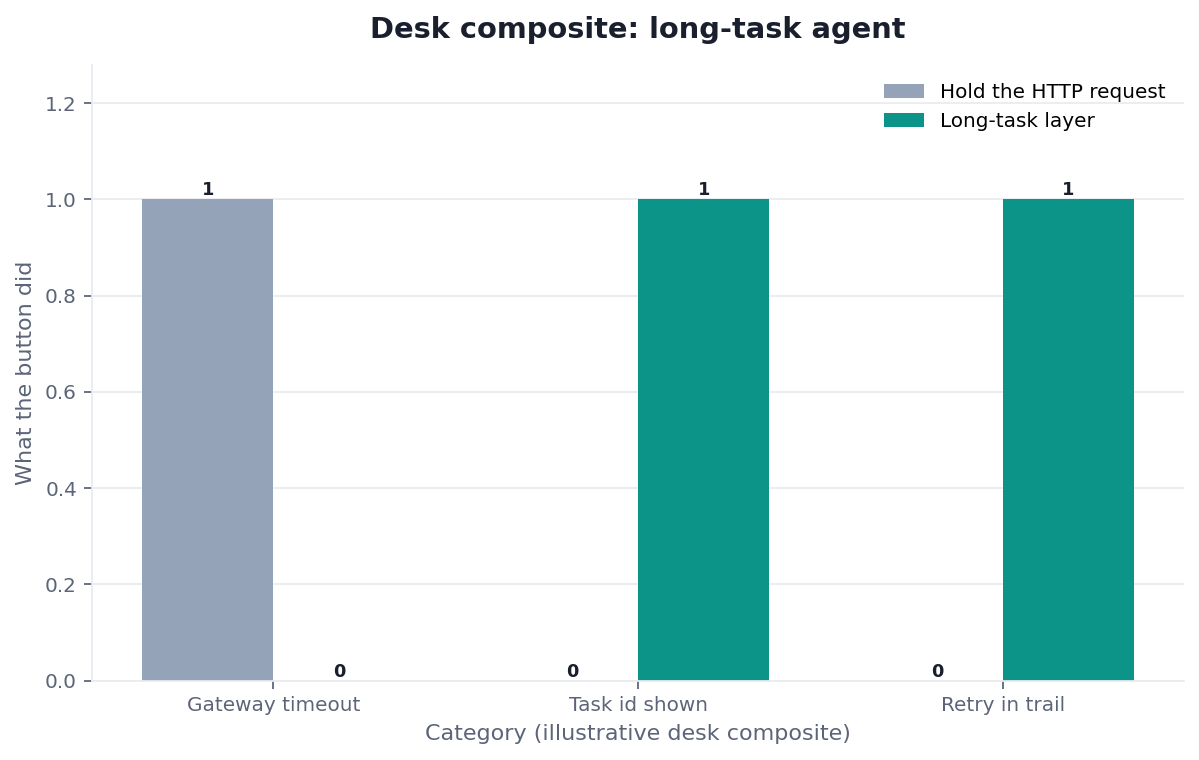
Figure. STATIC FIXTURE / NOT CONNECTED / NOT INDEPENDENTLY VALIDATED. Authored identity and policy labels only; no runtime or customer result.
Passing this replay means the LTAL files agree. It does not authorize a long-task agent or prove reachability or production suitability. Record Python version, OS, file hashes, and HOLD output. Record the freeze date beside the HOLD line. Keep that disclaimer on every copied identity file. Record the reviewer name, the freeze date, the Python version, and the exact HOLD line beside the downloaded hashes so a later owner can see this was file agreement only and not a live product bind. Write the OS name next to those hashes and keep one extra paper copy of that written disclaimer nearby. Do not treat a passing lint check as a live product bind or a latency promise.
Sources and Limited Claims
Direct official sources were retrieved on 2026-08-31. NIST artificial intelligence, MongoDB documentation, W3C tabular data model, RFC 4180, and Apache Kafka documentation are independent maps for systems that act over time, document-shaped records, annotated tables, declared file shape, and work that outlives one request. They did not run this fixture. Some hosts may be retained without a fresh 200; keep the original URLs. Re-check those URLs later.
None of those pages audited this long-task agent pack, and none of them endorsed a long-task agent on this page. Internal review is not independent validation. A qualified reviewer would need owner approval, a server-held key, TLS evidence, one authorized console-proven goal, and versions. Until then this pack is not a third-party audit, certification, award, media mention, or customer case. GitHub profiles are public engineering traces, not a published resume or independent endorsement. If a reviewer only reran Python, say so.
How to cite. InfiniSynapse, Long-Task Agent: Audit the Job Clock First, LTAL-20260831, HOLD / NOT READY FOR CONNECTION, not independently validated. Name the downloaded files used.
This pack is one of 12 published static fixtures inventoried in InfiniSynapse Data Team, Desk Review 2026-Q3, Corpus E (n=12; freeze 2026-08-31; first-party; not independently validated; not a customer sample).
Downloads:
- Identity register
- Accepted host note
- Decision register
- Expected readiness
- Review rules
- Held evidence
- Assumptions
- Source check
- Reproduction protocol
- Verifier
Failure modes that collapse back into ChatBI
Most failures collapse a long-task agent into ChatBI. They are clock failures, not model failures. This pack did not run a live ask.
Blocking the user request on the job
A spinner that lasts as long as a scan trains users to leave. Return an id. A long-task agent used as a blocking worker will be reverted after the first incident.
Promising a two-second SLA for analysis
You will then truncate the job or cache a stale number. Either choice is a lie. A long-task agent tells the user the job is running. That sentence is the SLA.
Dual timelines after the first retry
The app stored the first paragraph. The console stored the retry. They disagree. You no longer have an audit. One id, or do not ship a long-task agent.
Before you write integration code, list the in-app goal, the four host fields, and the forbidden blocking hold. If you cannot fill that list, you are not ready for a long-task agent. If you can, bind the list as notes and prove one console goal later.
Route the same diagnosis to the live guide that owns the next object. Each row is a single hop, not a reading dump.
| Live guide | Open it when |
|---|---|
| embed an AI data analyst | you need the product picture |
| data agent API | the wire and SSE are the next object |
| analyze inside your app | the host UI is still a BI fantasy |
| same task in web and api | two doors must share one timeline |
| what is a data agent | the agent object is still undefined |
| AI for data analysis | you still need the analysis primitive |
| Partner Silent Provisioning without Shipping Keys | Provisioning is an ops path; keys stay off the page |
| Workflow-Embedded Analytics in an Existing Product | The analysis slot is a task, not a hidden iframe chart |
Run the long task in the web console first
Ask the in-app goal on an authorized source, wait until SQL and files exist, and only then copy that job shape into your product backend. This check uses only sources you authorize.
Commercial association: You do not need the workspace to complete the educational diagnosis on this page.
Open InfiniSynapseHow this page is sourced. William Zhu is cofounder of InfiniSynapse (GitHub @allwefantasy); InfiniSynapse on GitHub. Company self-description, not independent authority. No personal LinkedIn is published. Desk experience: designing and reviewing analysis-pack methods—definition locks, read-only source binds, and downloadable
/tasksartifacts. Reviewed internally by analytics engineering · data platform · LLM security · editor. Editorial standards · corrections · publishing principles · About · Privacy · Terms · Contact zhuhl@infinisynapse.com. Company About. COI: InfiniSynapse sells an AI-native Data Agent; the banner is a commercial association. Fact-check: NIST · MongoDB documentation · w3.org · ietf.org · kafka.apache.org. No external organization audited it. This page is not third-party recognition.
Frequently Asked Questions
Is a long-task agent just a slower chatbot?
Bottom line: No. A chatbot hides duration and SQL. A long-task agent is a job with an id, steps, and files you can reopen in /tasks.
Can I keep a two-second box for tiny queries?
Bottom line: Yes, for already-warm, tiny filters. Do not use that box for analysis that writes files. The long-task agent is the default for anything that might scan or retry.
Does the layer write back to production?
Bottom line: No. A long-task agent reads sources you authorize and writes artifacts in the workspace. It does not auto-write production tables.
Do web and API need the same console?
Bottom line: Yes. If the long-task agent writes one timeline, support can open it. If you keep two stories, they will pick the wrong one.
Where do I create the key?
Bottom line: In the web task console. Store it on the server. Never put a long-task agent key in the browser, a README, or an email.
Conclusion
A long-task agent is the honest layer for product-embedded analysis: a job, not a two-second SQL box. Prove the goal on the web. Call it from a server that holds the key. Store the task id. Review SQL in /tasks.
Sync ChatBI is a tempting shortcut and a poor fit for scans and files. InfiniSynapse describes itself on About. Privacy and Terms apply. If you later use the workspace, open InfiniSynapse only with authorized, sanitized inputs, and keep that timeline as the source of truth after you embed a long-task agent.