Connect ClickHouse to AI: Audit Readiness First
By William Zhu & the InfiniSynapse Data Team · Published: 2026-08-22 · Last updated: 2026-08-31 · Last verified: 2026-08-31 · Next review: 2026-11-30 · Editorial standards · Corrections
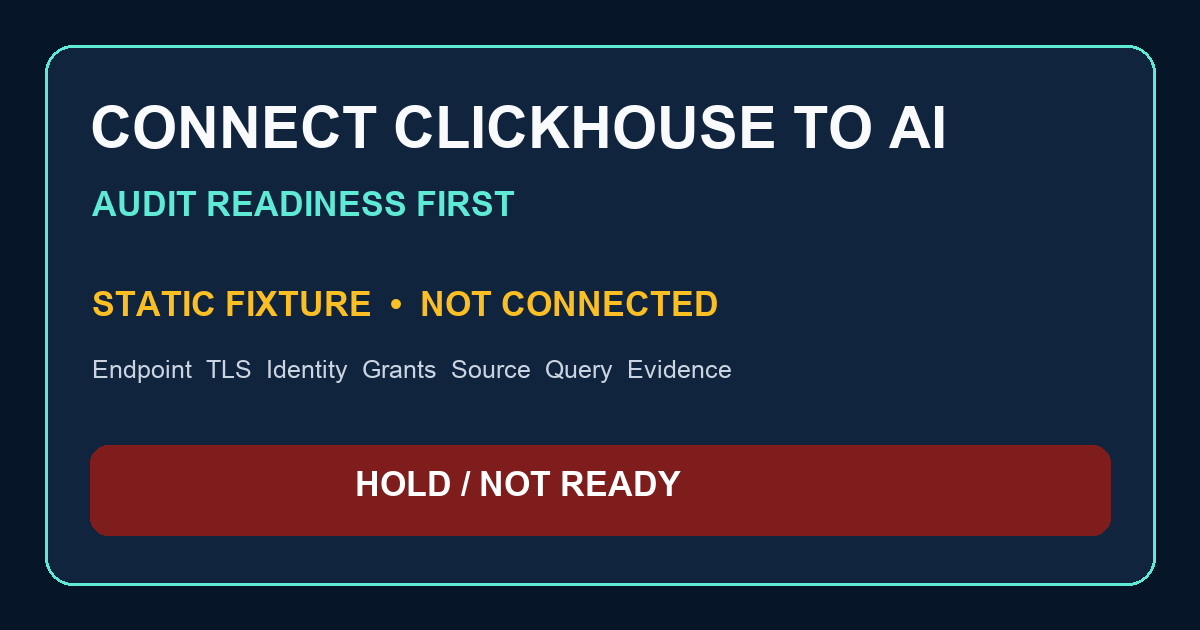
Table of Contents
- TL;DR
- What it means to connect ClickHouse to AI
- Evidence Boundary
- Readiness Method
- Transport, identity, and effective scope
- First bounded query draft
- Practical Static Replay
- Independent Validation
- Sources and Limited Claims
- Failure modes
- Frequently Asked Questions
- Conclusion
TL;DR
Direct answer: Before you connect clickhouse to ai, audit whether the endpoint, approved transport, database, principal, effective grants, source metadata, first bounded query, and evidence are ready. This static fixture is HOLD / NOT READY FOR CONNECTION because those environment facts and approvals are unavailable. It did not connect, execute SQL, inspect secrets, parse statements, or validate a product.
The safest way to connect clickhouse to ai starts with review, not a login attempt. Record deployment-specific interface and port, certificate and hostname verification, CA reference, network allowlist, database, principal, inherited roles, row policies, settings profiles, quotas, exact source metadata, authorization, and a reviewed query hash. Keep credentials in an approved secret manager; never put them in this package.
Use the 13 downloads to replay the authored gate offline. Every endpoint, credential, and environment value is null or HELD. The accepted grant and bounded query are editorial text marked DO NOT EXECUTE. Passing the verifier proves only that local files satisfy deterministic rules.
What it means to connect ClickHouse to AI
Key Definition: On this page, connect clickhouse to ai means preparing an authorized, deployment-specific path for a narrowly scoped principal and a reviewed, bounded query only after transport, identity, effective authorization, source metadata, evidence, revocation, and incident controls are documented. It does not mean that a connection exists.
That definition narrows the earlier login framing. A hostname, remembered default port, database label, or ticket saying “read only” is not evidence. ClickHouse interfaces and ports vary by deployment. TLS policy must identify protocol/interface, port, server name, trusted CA, certificate verification, network allowlist, and the approved transport rule. A private route does not make unverified transport acceptable by default.
To connect clickhouse to ai responsibly, treat identity and authorization as separate questions. SELECT privilege alone does not establish privacy appropriateness, row-level scope, quotas, settings, network or TLS safety, data authorization, or query safety. It also does not prove that inherited roles omit broader privileges.
The parent ClickHouse analytics, what is clickhouse, what is a data agent, and chat with your data guides are context only. They did not inspect this fixture or establish connection readiness. Before that login path exists, review a managed clickhouse platform for developers as a hosting gate.
Evidence Boundary
This is a synthetic, static, NON-CONNECTING connection-readiness fixture. No host, port, scheme, interface, server name, CA, network route, database, principal, credential, source table, partition, user, role, grant, policy, profile, quota, query result, runtime, task, board, product behavior, customer environment, SLA, or production workflow was observed. No network call, SQL execution, subprocess, secret access, parser, engine-compatibility test, or conformance test is part of the downloads.
The package does not claim that anyone created a SELECT-only user, denied INSERT or DROP, blocked an adjacent database, ran SELECT 1, counted rows, executed a dated query, finished in minutes, avoided a copy or write, used a first-class source, generated InfiniSQL, created a task or board, downloaded a product artifact, federated engines, or validated production behavior. To connect clickhouse to ai, each relevant claim needs attributable environment evidence.
The readiness outcome is HOLD / NOT READY FOR CONNECTION. Endpoint and network policy, TLS verification, effective grants, source metadata, owner authorization, and observed evidence are unavailable. Static completeness cannot promote that outcome.
NIST’s AI Risk Management Framework and Privacy Framework provide voluntary risk-management context. Stripe’s API reference, GitHub documentation, GitHub’s secret-scanning documentation, and Google’s SRE book are generic context. None inspected this connect clickhouse to ai fixture, endorsed it, or certified its controls.
Readiness Method
Review a request to connect clickhouse to ai in this order:
- Approval and ownership. Obtain source-owner authorization and change approval. Name the connection owner, secret-rotation owner, incident owner, revocation path, review date, and approved environment.
- Endpoint and transport. Record scheme, protocol/interface, deployment-specific port, network path and allowlist, TLS mode, certificate-verification requirement, server name, trusted CA reference, and validation evidence. Never copy actual coordinates into public artifacts.
- Identity. Record the intended principal and secret-manager reference without any secret. Capture rotation and revocation controls.
- Effective authorization. Review
SHOW CREATE USER,SHOW GRANTS FINAL, relevantsystem.grantsandsystem.role_grantsrows, default and inherited roles, row policies, settings profiles, and quotas. Preserve attributable snapshots under change control. - Source metadata. Confirm database and table with approved metadata such as
SHOW CREATE TABLEand relevantsystem.tablesfields, including engine, columns, sorting key, and partition key. Do not infer a day partition or timestamp column. - Query review. Review explicit columns, aggregate, UTC half-open interval, grouping, ordering, and limit. Prohibit wildcard selection and mutations. Hash the exact approved text.
- Observed evidence. Only after authorization may a controlled execution produce a query ID and optional
system.query_logevidence, subject to configuration, retention, and privacy. Record result handling and cleanup. - Independent reproduction. Give a reviewer the exact scope, versions, approvals, snapshots, query hash, deviations, and outcome.
The template intentionally leaves every real value HELD. It helps a reviewer ask what is missing before deciding whether to connect clickhouse to ai; it cannot answer the environment questions.
Reviewers should record unresolved fields explicitly instead of inferring safe defaults.
Transport, identity, and effective scope
The endpoint template contains placeholders for host, port, interface, TLS mode, server name, CA reference, database, and principal. They are all HELD, never example credentials. ClickHouse’s network ports page describes defaults, not your deployed endpoint. Its OpenSSL configuration provides server-setting context, not proof that a certificate, hostname, CA, or client path was verified.
Before teams connect clickhouse to ai, authorization review should use effective state. ClickHouse documents users, roles, row policies, settings profiles, and quotas in access control. The GRANT and SHOW references, system.grants, and system.role_grants help define evidence to collect. They do not prove this fixture’s principal exists or has any scope.
The accepted policy fixture contains exactly GRANT SELECT ON analytics_events.* TO analytics_events_reader;. It is an editorial least-scope candidate, not executed SQL, parser validation, or a recommendation to use those synthetic names. A separate file labels GRANT ALL ON *.* TO analytics_events_reader; rejected by local policy. Rejection concerns scope; it is not a syntax verdict.
Do not test negative privileges by attempting direct INSERT or DROP against production. First assess effective state from authorized metadata and change-controlled evidence. If a negative test is still required, authorize it separately, isolate it in non-production where practical, assess transaction and cleanup limitations, define data handling, and avoid destructive examples. A plan to connect clickhouse to ai remains held until evidence review is complete.
First bounded query draft
The first-query file is a non-executing draft over synthetic_analytics.events_fixture. It selects event_name and count() AS event_count, applies an explicit UTC half-open interval, groups by event_name, orders deterministically, and limits output. It contains no SELECT *, write, mutation, result, runtime, or claim about a real partition.
A bounded draft is necessary but insufficient to connect clickhouse to ai. A reviewer still needs authorized source metadata from system.tables, column and grain definitions, privacy and row-scope approval, quota and settings constraints, estimated scan controls, and an exact query hash. The date range is synthetic and cannot be presented as an executed dated question.
After separately authorized execution, system.query_log may support review if logging is enabled and retained. It is optional evidence, not proof available in advance, and may contain sensitive query text. Before teams connect clickhouse to ai, define who can collect and retain that evidence.
Implementation steps
- Open
connection-readiness-contract-CCHAI-20260831.jsonand verify the HOLD outcome and unavailable evidence list. - Review
endpoint-inventory-template-CCHAI-20260831.csv; confirm sensitive fields remainHELD. - Compare accepted and rejected grant fixtures as policy text. Do not execute either file.
- Inspect the bounded query draft as text and verify the UTC half-open interval, explicit projection, grouping, order, and limit.
- Reconcile checklist, rules, assumptions, expected outcome, source log, and reproduction protocol.
- Run
python3 verify-CCHAI-20260831.pylocally. The standard-library script performs no network, SQL, subprocess, secret handling, or semantic parsing.
A passing local check does not authorize anyone to connect clickhouse to ai. It reports deterministic agreement among authored files.
Practical Static Replay
Static replay has three layers. First, inspect all 13 files and verify that no endpoint or credential value escaped HELD. Second, compare the contract, checklist, assumptions, and expected outcome. Third, run the verifier and retain its output with the package version.
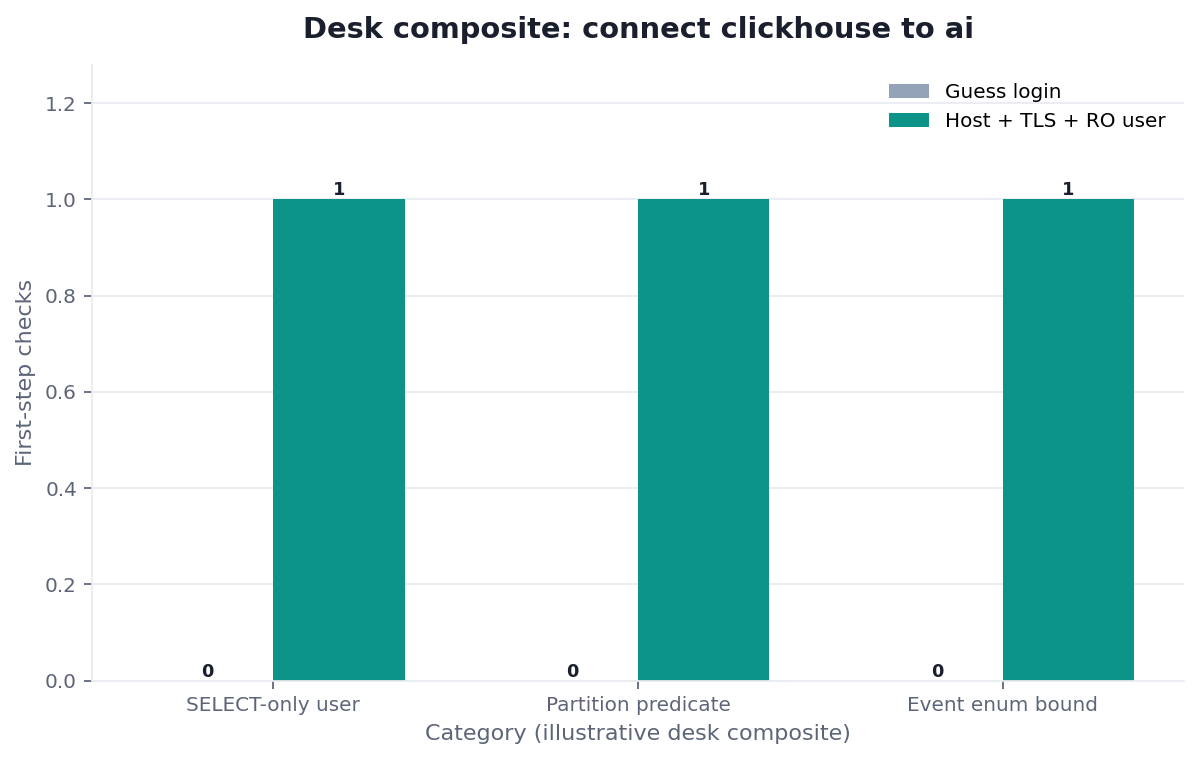
Figure. STATIC FIXTURE / NOT CONNECTED / NOT INDEPENDENTLY VALIDATED. Endpoint, TLS, identity, grants, source metadata, query authorization, and observed evidence are held or static checks; overall outcome is HOLD. No measured result, runtime, or credential is shown.
This replay can detect missing local fields, altered fixtures, broad policy text, wildcard query text, mutation terms, or an outcome other than HOLD. It cannot determine whether ClickHouse accepts SQL, whether an endpoint is reachable, whether credentials work, whether the query is safe for actual data, or whether a product can connect clickhouse to ai.
Independent Validation
Internal authorship or review is not independent validation. A qualified reviewer needs source-owner and change approvals, deployment and network policy, certificate/CA/hostname evidence, identity and effective-grant snapshots, row policies, profiles, quotas, source metadata, exact reviewed query hash, execution authorization, optional query-log evidence after execution, incident and revocation plans, and declared server/client versions.
To independently assess whether an organization may connect clickhouse to ai, reproduce the gate in an authorized environment, record deviations, and sign or otherwise attribute the result. This package has no third-party audit, certification, penetration test, production validation, customer review, or WAIC endorsement.
Sources and Limited Claims
Sources were retrieved on 2026-08-31. ClickHouse pages support bounded descriptions of access entities, grants and effective-grant inspection, role assignments, table metadata, optional query logging, default ports, and server TLS configuration. NIST sources support voluntary AI and privacy risk-management context. GitHub supports the warning that hardcoded credentials can be exposed and should be remediated. They do not validate this package or authorize a connection.
The requested NIST publication URL https://csrc.nist.gov/pubs/ai/100/1/final returned 404 during retrieval. The live NIST AI RMF page is cited for the limited framework description; no claim relies on the dead path. Anyone using this page to connect clickhouse to ai should recheck source status and deployment documentation at decision time.
How to Cite
Cite this page as: “InfiniSynapse, Connect ClickHouse to AI: Audit Readiness First, static non-connecting readiness fixture, CCHAI-20260831, HOLD / NOT READY FOR CONNECTION, not independently validated.” Name the downloaded files used. Do not call it a third-party audit, certification, penetration test, compatibility test, production validation, customer case, benchmark, or SLA.
Downloads:
- Connection-readiness contract
- Endpoint inventory template
- Accepted scoped grant
- Rejected broad grant
- First query draft
- Evidence checklist
- Expected readiness
- Connection-readiness rules
- Secret-handling checklist
- Assumption register
- External source check
- Independent reproduction protocol
- Offline verifier
Failure modes
Treating a scoped grant as complete safety
SELECT is only one authorization dimension. If row policies, inherited roles, settings, quotas, privacy approval, transport, and query controls are unknown, the decision to connect clickhouse to ai remains HOLD.
Guessing endpoint defaults
A documented default does not establish the deployed interface or port. Require an approved endpoint inventory and certificate-verification record.
Testing writes to prove read-only
Direct production write or destructive negative tests create avoidable risk. Prefer effective-authorization evidence. Any residual test needs separate approval, isolation, cleanup analysis, and a non-destructive design.
Reporting a draft as observed evidence
A SQL file is not a parser result, network check, execution trace, query log, result, runtime, or production validation. Do not claim that it helped a system connect clickhouse to ai.
Frequently Asked Questions
Is this package ready to connect ClickHouse to AI?
No. The outcome is HOLD / NOT READY FOR CONNECTION because endpoint, TLS verification, effective grants, source metadata, authorization, and observed evidence are unavailable.
Is SELECT-only access enough?
No. SELECT does not establish privacy appropriateness, row-level scope, quotas, settings, network/TLS controls, source authorization, or query safety. Review inherited roles and effective state before any team may connect clickhouse to ai.
Should I attempt INSERT or DROP to test the user?
Not directly on production. Review effective grants first. If a negative test remains necessary, separately authorize and isolate it, assess transaction and cleanup limitations, and use a non-destructive design. This fixture includes no destructive DROP example.
Does the verifier validate ClickHouse SQL?
No. It checks exact local text and structured fields. It performs no network, SQL, subprocess, parser, engine compatibility, or conformance work.
Can a private network omit TLS verification?
Not by default. Follow the approved transport policy and document protocol/interface, port, allowlist, TLS mode, server name, CA, certificate verification, and exceptions before trying to connect clickhouse to ai.
Conclusion
A trustworthy request to connect clickhouse to ai begins with a HOLD until approvals and evidence exist. Review deployment-specific transport, principal and inherited scope, source metadata, secret management, exact bounded query, result handling, audit trail, incident response, revocation, and independent reproduction. This package keeps every coordinate held and every SQL example non-executing.
For company context, InfiniSynapse describes itself on its About page; About is a self-description, not independent authority. Site Privacy and Terms apply.