
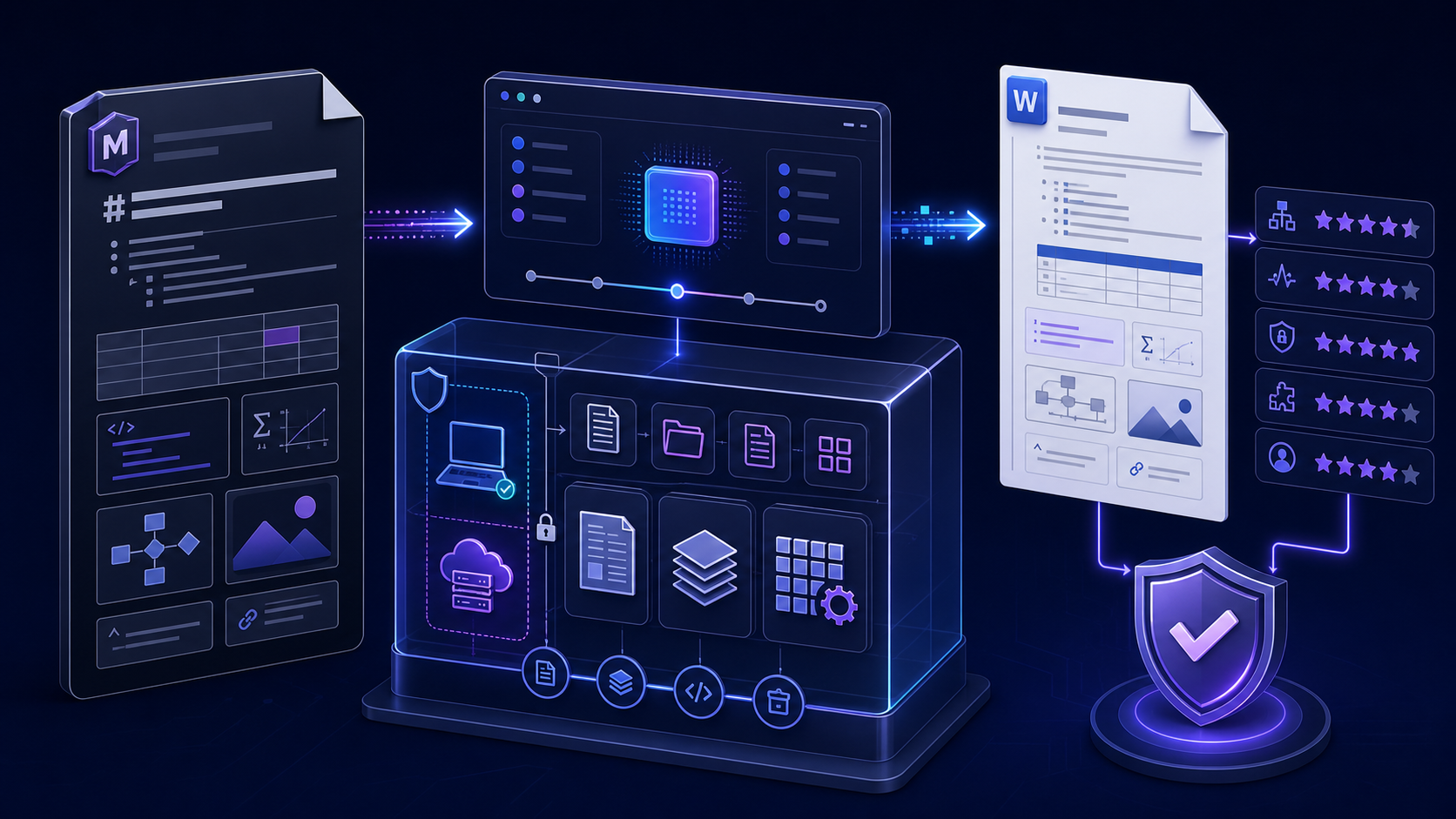
Choose a Markdown to Word converter from evidence, not promises根据证据而不是承诺选择 Markdown 转 Word 转换器
The best Markdown to Word converter is not the page with the strongest claim. It is the least complex approved tool that passes your documented acceptance test and does not expose content. A converter suitable for a short public note may be unacceptable for a legal draft, a corporate template, or a hundred-file publishing job.
最好的 Markdown 转 Word 转换器不是宣传最强的页面,而是通过书面验收测试、不暴露内容且复杂度最低的批准工具。适合公开短文的转换器,可能完全不适合法律草稿、企业模板或上百文件的发布任务。
Define Word output before comparing converter features比较转换器功能前先定义 Word 输出
“Opens in Word” is not a complete requirement. A browser can download HTML with a .doc extension that desktop Word opens. Another tool can create a native Office Open XML .docx package. Both may look similar at first, but they differ in internal structure, named styles, fields, automation, compatibility, and downstream processing.
“能用 Word 打开”不是完整需求。浏览器可以下载带 .doc 扩展名的 HTML,桌面 Word 也能打开;另一个工具可能创建原生 Office Open XML .docx 文件包。两者初看相似,但内部结构、命名样式、字段、自动化、兼容性和下游处理完全不同。
| Requirement需求 | Acceptable output可接受输出 | Evidence证据 |
|---|---|---|
| Quick basic editing快速基础编辑 | Word-compatible file may be enoughWord 兼容文件可能足够 | Opens, edits, saves, content matches可打开、编辑、保存且内容一致 |
| Native DOCX workflow原生 DOCX 工作流 | Valid OOXML package有效 OOXML 文件包 | Package inspection and no repair warning文件包检查且无修复警告 |
| Corporate template企业模板 | Named styles and document properties命名样式与文档属性 | Styles pane, page setup, header, footer样式窗格、页面设置、页眉页脚 |
| Automated downstream use下游自动处理 | Stable native structure and identifiers稳定原生结构与标识符 | Parser tests and representative fixtures解析测试与代表性样例 |
Build one converter test fixture that exposes weak output制作一个能暴露薄弱输出的转换器测试样例
Do not evaluate a converter with a title and one paragraph. Create a small MD file that exercises the exact features your real documents use and contains unmistakable expected results.
不能只用标题和一个段落评估转换器。应创建一个小型 MD 文件,覆盖真实文档实际使用的功能,并包含明确预期结果。
---
title: Converter Evaluation
lang: en-US
---
# Document title
## Structured section
1. Ordered item
- Nested bullet with **bold** and *emphasis*
| Feature | Expected |
|---|---|
| Link | Clickable |

```js
const value = "long line that must remain readable";
```
A verified [external reference](https://spec.commonmark.org/).
Footnote reference.[^1]
[^1]: Footnote content.Add non-Latin text, emoji, a long URL, a wide table, local and remote images, nested lists, task lists, math, diagrams, citations, raw HTML, and page-break conventions only if those features appear in production. Record what an unsupported element should become instead of accepting silent loss.
只有生产内容确实使用时,才加入非拉丁文字、Emoji、长 URL、宽表、本地与远程图片、嵌套列表、任务列表、公式、图表、引用、原始 HTML 与分页约定。对不支持元素应记录回退结果,而不是接受静默丢失。
Score every converter across six quality dimensions从六个质量维度为每个转换器评分
| Dimension维度 | Questions问题 | Failure example失败示例 |
|---|---|---|
| Structure结构 | Are headings, lists, tables, notes, and links real document objects?标题、列表、表格、脚注与链接是否是真实文档对象? | Bold paragraph masquerades as a heading粗体段落伪装成标题 |
| Fidelity保真度 | Did every source element survive with correct content and order?每个源元素是否以正确内容与顺序保留? | Dropped row, broken image, lost footnote表格漏行、图片损坏、脚注丢失 |
| Privacy隐私 | Where is data processed, transmitted, retained, logged, or shared?数据在哪里处理、传输、保留、记录或共享? | Unverified upload or remote image request未经验证的上传或远程图片请求 |
| Compatibility兼容性 | Does it open and edit correctly across required Word environments?能否在所需 Word 环境中正确打开和编辑? | Repair warning or layout drift修复警告或版式漂移 |
| Usability易用性 | Can the intended user complete, understand, and recover the task?目标用户能否完成、理解并恢复任务? | No error details or impossible retry无错误详情或无法重试 |
| Repeatability可重复性 | Can the same source and settings produce controlled output again?相同源与设置能否再次生成受控输出? | Hidden defaults or changing templates隐藏默认值或模板漂移 |
Weight dimensions by business consequence. Privacy and factual completeness may be pass/fail gates; visual polish may be a scored preference. Keep screenshots, files, versions, settings, dates, and reviewer notes so the score can be defended.
应按业务后果为维度加权。隐私与事实完整性可能是通过/失败门槛,视觉精美度则可作为评分偏好。保留截图、文件、版本、设置、日期和审核记录,使评分可追溯。
Verify whether conversion is local, remote, or mixed验证转换是本地、远程还是混合处理
“Runs in your browser” can mean all conversion happens locally, or it can describe only the interface while content is uploaded. A local converter can still request remote images, load analytics, call an API, or send error data. Verify architecture, network behavior, policy, retention, ownership, subprocessors, and security approval.
“在浏览器运行”可能表示转换全部在本地,也可能只描述界面而内容仍会上传。本地转换器也可能请求远程图片、加载分析脚本、调用 API 或发送错误数据。应验证架构、网络行为、政策、保留、所有权、子处理方与安全批准。
- Classify the source before opening any converter.打开转换器前先对源内容分类。
- Test with synthetic content and inspect network requests if policy allows.使用合成内容测试,并在政策允许时检查网络请求。
- Treat remote images as outbound requests that can disclose an IP address, URL, referrer, or access token.把远程图片视为出站请求,它可能泄露 IP、URL、Referrer 或访问令牌。
- Do not upload credentials, private legal drafts, personal data, production records, or unpublished results without explicit authorization.未经明确授权,不要上传凭据、私人法律草稿、个人数据、生产记录或未公开结果。
- Inspect downloaded metadata, comments, embedded files, custom properties, and template history.检查下载文件中的元数据、批注、嵌入文件、自定义属性与模板历史。
Test the Markdown dialect instead of trusting “full support”测试 Markdown 方言,而不是相信“完全支持”
Markdown is a family of related syntaxes. CommonMark defines one specification; GitHub-Flavored Markdown adds features such as tables, task-list items, strikethrough, and autolinks; Pandoc Markdown exposes additional extensions. A converter can support ordinary headings and still fail the dialect-specific content that matters.
Markdown 是一组相关语法。CommonMark 定义一种规范;GitHub-Flavored Markdown 增加表格、任务列表、删除线与自动链接等功能;Pandoc Markdown 还提供更多扩展。转换器即使支持普通标题,也可能在关键方言内容上失败。
Which reader and version parse the input? Which extensions are enabled? What happens to unsupported syntax?使用哪个读取器与版本?启用哪些扩展?不支持语法如何处理?
Inspect the actual DOCX objects and compare them with the fixture, not only the browser preview.检查实际 DOCX 对象并与测试样例比较,而不只看浏览器预览。
Confirm native DOCX structure and editable Word styles确认原生 DOCX 结构与可编辑 Word 样式
A native DOCX is a package of document parts and relationships. It should open without repair warnings and expose meaningful Word structures. Check Navigation Pane, named paragraph styles, character styles, real lists, table objects, notes, hyperlinks, media, document properties, and fields. A document can look correct while containing only direct formatting and fragile layout.
原生 DOCX 是由文档部件与关系组成的文件包。它应能无修复警告打开,并暴露有意义的 Word 结构。检查导航窗格、命名段落样式、字符样式、真实列表、表格对象、脚注、超链接、媒体、文档属性和字段。文档即使看起来正确,也可能只包含直接格式和脆弱布局。
If the converter supports a reference DOCX or template, test whether it maps content to approved styles instead of copying visible formatting. Verify page size, margins, headers, footers, numbering, captions, theme fonts, and language. Never upload an old corporate template without checking hidden content and private properties.
如果转换器支持 reference DOCX 或模板,应测试它是否把内容映射到批准样式,而不是只复制可见格式。验证纸张、页边距、页眉页脚、编号、图注、主题字体和语言。未经检查隐藏内容与私人属性,不要上传旧企业模板。
Challenge tables, images, code, math, diagrams, and footnotes重点挑战表格、图片、代码、公式、图表与脚注
| Element元素 | What good output means优质输出标准 | Common failure常见失败 |
|---|---|---|
| Wide table宽表格 | Readable columns, header row, sensible page behavior列可读、表头正确、分页合理 | Clipped, flattened, or missing cells裁切、扁平化或单元格丢失 |
| Image图片 | Embedded media, correct aspect, alt text, caption嵌入媒体、宽高比正确、有替代文本与说明 | Broken remote link or low-resolution screenshot远程链接损坏或低清截图 |
| Code代码 | Readable monospace style, preserved characters, safe wrapping等宽样式可读、字符保留、换行安全 | Smart quotes, clipped lines, lost indentation弯引号、行裁切、缩进丢失 |
| Math公式 | Editable Office Math or documented fallback可编辑 Office Math 或明确回退 | Plain LaTeX text or blurry image原始 LaTeX 文本或模糊图片 |
| Diagram图表 | Deterministic rendered asset with source retained确定性渲染资源且保留源 | Unsupported code block or remote dependency不支持代码块或远程依赖 |
| Footnote脚注 | Real note, stable numbering, accessible reference真实脚注、编号稳定、引用可访问 | Moved inline, dropped, or misnumbered变成行内、丢失或编号错误 |
Open the output in every supported Word environment在所有受支持 Word 环境中打开输出
“Word-compatible” must name the application and version. Test desktop Word on required Windows and macOS versions, Word for the web when relevant, and any approved alternative editors. Open, edit, save, close, reopen, print or export, and repeat the recipient’s real task. Watch for font substitution, field updates, table reflow, image movement, numbering changes, repair warnings, and unsupported features. After the converter passes, later edits use the online docx editor desk.
“Word 兼容”必须说明应用与版本。测试所需 Windows 和 macOS 桌面 Word,相关时测试 Word 网页版和批准的其他编辑器。执行打开、编辑、保存、关闭、重新打开、打印或导出,并复现接收者真实任务。关注字体替换、字段更新、表格重排、图片移动、编号变化、修复警告和不支持功能。转换通过后,后续修改走 online docx editor 验收桌。
Use at least one second device. A converter’s development machine may contain fonts, caches, templates, or application settings that hide portability failures.
至少使用第二台设备。转换器开发设备可能包含字体、缓存、模板或应用设置,从而掩盖可移植性失败。
Evaluate batch, API, template, and automation features separately分别评估批量、API、模板与自动化能力
A good single-file interface does not prove production readiness. For batch work, test filename collisions, folder structure, partial failure, retries, idempotency, concurrency, rate limits, size limits, timeouts, logging, checksums, versioning, and result retrieval. For an API, add authentication, authorization, secret management, transport security, retention, audit logs, tenant isolation, and data-location requirements.
单文件界面好用并不能证明适合生产。批量工作要测试文件名冲突、目录结构、部分失败、重试、幂等、并发、速率限制、大小限制、超时、日志、校验和、版本与结果获取。API 还需增加身份认证、授权、密钥管理、传输安全、保留、审计日志、租户隔离和数据位置要求。
Pin the converter version, parser configuration, template, fonts, and transformations. Keep a regression fixture and compare structural plus visual output before upgrades. If the service changes behavior without versioning, treat that as a risk.
固定转换器版本、解析配置、模板、字体与转换步骤。保留回归样例,并在升级前比较结构与视觉输出。如果服务无版本控制地改变行为,应把它视为风险。
Test the InfiniSynapse Markdown to Word converter测试 InfiniSynapse Markdown 转 Word 转换器
Use the InfiniSynapse browser tool with a sanitized test fixture, preview supported Markdown, download the Word-compatible result, and apply the same structure, fidelity, privacy, compatibility, usability, and repeatability checks described above. For strict native DOCX, controlled templates, automation, or sensitive content, use an approved local or internal workflow.使用已脱敏测试样例试用 InfiniSynapse 浏览器工具,预览受支持 Markdown,下载 Word 兼容结果,并执行上文相同的结构、保真度、隐私、兼容性、易用性与可重复性检查。严格原生 DOCX、受控模板、自动化或敏感内容应使用批准的本地或内部流程。
Open Markdown to Word Converter打开 Markdown 转 Word 转换器Approve a converter only after the downloaded file passes只有下载文件通过后才批准转换器
- Record converter name, URL, version, date, settings, browser or client, and declared processing model.记录转换器名称、URL、版本、日期、设置、浏览器或客户端和声明的处理模式。
- Use synthetic and representative fixtures, never unapproved sensitive content.使用合成与代表性样例,绝不使用未批准敏感内容。
- Identify the actual output format and inspect native DOCX structure when required.识别实际输出格式,并在需要时检查原生 DOCX 结构。
- Compare all text and structural elements with the source and record unsupported fallbacks.把全部文字与结构元素同源比较,并记录不支持功能的回退。
- Open, edit, save, reopen, and export on every supported Word environment.在每个受支持 Word 环境中打开、编辑、保存、重开和导出。
- Review every page, style, table, image, link, note, citation, field, and property.检查每页、样式、表格、图片、链接、脚注、引用、字段与属性。
- Verify privacy, network behavior, retention, metadata, and security approval.验证隐私、网络行为、保留、元数据与安全批准。
- Archive scores, evidence, exceptions, owners, expiry date, and regression fixture.归档评分、证据、例外、负责人、到期日期和回归样例。
Markdown to Word converter FAQMarkdown 转 Word 转换器常见问题
Price does not determine safety. Verify whether processing is local or remote, inspect policy and network behavior, classify content, and obtain approval. Use synthetic or sanitized material until the architecture is proven.价格不能决定安全性。应验证处理是本地还是远程,检查政策与网络行为,对内容分类并获得批准。在架构得到证明前,只使用合成或脱敏材料。
Check the actual file type and package, open it without repair warnings, and inspect Word structures such as styles, lists, tables, media, relationships, notes, and properties. The filename alone is not proof.检查实际文件类型与文件包,无修复警告地打开,并检查样式、列表、表格、媒体、关系、脚注和属性等 Word 结构。文件名本身不是证据。
Do not assume so. Markdown dialects differ and DOCX expresses different features. Test the exact syntax used and define a fallback for unsupported math, diagrams, raw HTML, task lists, custom containers, and layout controls.不能假设如此。Markdown 方言不同,DOCX 表达的功能也不同。应测试实际语法,并为不支持的公式、图表、原始 HTML、任务列表、自定义容器和布局控制定义回退。
Use an approved online converter for quick, sanitized, ordinary documents when its output passes. Use Pandoc or an internal generator for native structure, reference templates, repeatable builds, batch automation, or sensitive content. For the how-to steps, use markdown to word.快速处理已脱敏普通文档且输出通过时,可用批准的在线转换器;原生结构、参考模板、可重复构建、批量自动化或敏感内容应使用 Pandoc 或内部生成器。操作步骤看 markdown to word。
About this converter evaluation guide关于这份转换器评估指南
Primary references: the CommonMark specification, the Pandoc User’s Guide for Markdown and DOCX behavior, and Microsoft’s Open XML package overview. The how-to hub is markdown to word.
主要参考:CommonMark 规范、关于 Markdown 与 DOCX 行为的 Pandoc 用户指南,以及 微软 Open XML 文件包概述。操作枢纽是 markdown to word。
Quick answer supplement: record converter evidence without inventing benchmark scores快速答案补充:记录转换器证据,不虚构基准分数
Create an evaluation ledger before testing. Give every candidate the same sanitized, versioned fixture and the same written instructions. Record the fixture hash, date, operating system, browser or command, converter version or service route, selected options, reference template, output filename, output format, file size, and reviewer. Do not publish speed, fidelity, or quality rankings unless the test method, sample, environment, repetitions, and raw observations are retained and genuinely support that comparison.
测试前先建立评估台账。所有候选工具必须使用同一份已脱敏、有版本的样例和相同书面说明。记录样例哈希、日期、操作系统、浏览器或命令、转换器版本或服务入口、选项、参考模板、输出文件、实际格式、文件大小和审阅者。除非保留了方法、样本、环境、重复次数与原始观察且证据确实支持比较,否则不得发布速度、保真度或质量排名。
| Observation观察项 | How to verify验证方法 | Record as记录方式 |
|---|---|---|
| Actual output type实际输出类型 | Inspect extension, MIME signature, and opening application检查扩展名、文件签名和打开应用 | DOCX, HTML, RTF, or another explicit format明确记录 DOCX、HTML、RTF 或其他格式 |
| Word structureWord 结构 | Use Navigation Pane, Styles, table properties, and package inspection使用导航窗格、样式、表格属性和文件包检查 | Preserved, transformed with explanation, or unsupported保留、可解释转换或不支持 |
| Visual fidelity视觉保真 | Compare headings, lists, tables, images, code, math, and page flow比较标题、列表、表格、图片、代码、公式与页面流 | Pass criterion, observed difference, severity, and evidence通过条件、实际差异、严重度与证据 |
| Editing behavior编辑行为 | Edit representative objects, save, reopen, and compare编辑代表性对象、保存、重开并比较 | Supported task and known limitation支持任务与已知限制 |
A result is “not tested” when evidence is missing; it is not automatically a failure or a pass. Keep observations separate from interpretation. For example, “the table became an image” is an observation; “the output is unsuitable for table editing” is a task-specific conclusion. This distinction keeps the evaluation reproducible and prevents marketing language from replacing evidence.
缺少证据时应标记“未测试”,不能自动写成失败或通过。观察与解释必须分开,例如“表格变成图片”是观察,“输出不适合编辑表格”是针对任务的结论。这能保持评估可复核,避免营销语言替代证据。
Approve a Markdown to Word converter for a defined scope and retest trigger按明确范围与复测条件批准 Markdown 转 Word 工具
Approval should identify supported Markdown dialect, input features, output format, Word versions, operating systems, reference templates, document sensitivity, maximum practical fixture size, intended users, batch or API route, and downstream delivery requirements. Name unsupported features and a safe fallback. A converter suitable for simple meeting notes may still be unacceptable for regulated reports, complex equations, tracked-change workflows, or template-controlled publishing.
批准记录应写明支持的 Markdown 方言、输入功能、输出格式、Word 版本、操作系统、参考模板、文档敏感等级、代表性文件规模、目标用户、批量或 API 路径及下游交付要求,并列出不支持功能与安全备选。适合简单会议记录的转换器,仍可能不适合受监管报告、复杂公式、修订流程或模板控制发布。
| Retest trigger复测触发条件 | Minimum regression最低回归范围 | Release decision发布决定 |
|---|---|---|
| Converter or service update转换器或服务更新 | Full representative fixture and output package inspection完整代表性样例与输出包检查 | Keep previous route until differences are accepted差异获接受前保留原路径 |
| Template or Word upgrade模板或 Word 升级 | Styles, numbering, tables, headers, fields, and accessibility样式、编号、表格、页眉、字段和无障碍 | Update approved environment only after review审核后才更新获批环境 |
| New content pattern新内容模式 | Add the pattern to the versioned fixture and test its boundary把模式加入版本化样例并测试边界 | Limit scope until evidence exists证据形成前限制使用范围 |
Retain the source fixture, downloaded output, comparison notes, reviewer, approval date, limitations, and next review date. Converter approval does not approve the document’s facts, rights, security classification, accessibility, or final publication. Those decisions remain with authorized content and release owners.
保留源样例、下载输出、比对记录、审阅者、批准日期、限制和下次复核日期。工具获批不等于文档事实、版权、安全分级、无障碍或最终发布获批,这些决定仍由授权内容与发布负责人承担。
Official sources and references for Markdown to Word conversionMarkdown 转 Word 的官方来源与参考资料
Use the CommonMark specification, Pandoc User’s Guide, and Microsoft Open XML package overview already linked in this guide. They support syntax, conversion, and DOCX package concepts; a specific converter’s private implementation and data handling still require direct testing and current service documentation.
请使用本指南已链接的 CommonMark 规范、Pandoc 用户指南与 Microsoft Open XML 文件包概述。它们支持语法、转换和 DOCX 包概念;具体工具的私有实现与数据处理仍需直接测试和当前服务文档证明。