Direct answer直接回答
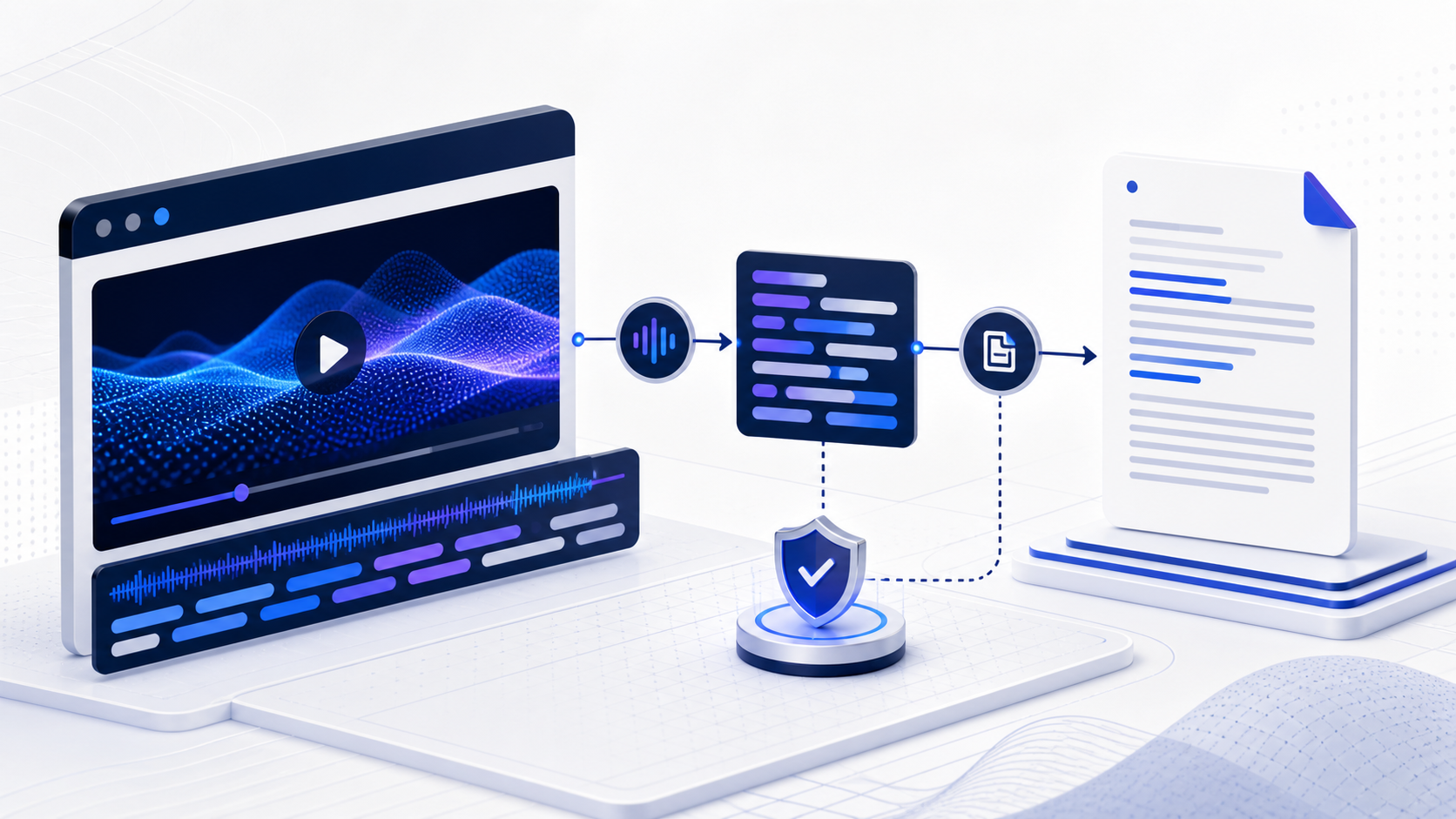
To download a YouTube transcript safely, first use the video's visible transcript or creator-provided caption file; copy and save only content you are permitted to reuse. Start with the video URL, confirmation that captions or a transcript are available, and permission for the intended use; the working deliverable is a clean text document with speaker turns or timestamps preserved where useful.
安全下载 YouTube 文字稿时,应先使用视频页面可见的文字稿或创作者提供的字幕文件,并且只保存你有权复用的内容。 开始前应准备视频 URL、文字稿可用性以及预期用途的授权确认;工作结果应形成保留必要说话人与时间信息的清洁文本文件。
Choose the step you need选择你需要的步骤
Start with the four core steps below, then continue into the deeper checks that match your task.
先完成下面四个核心步骤,再根据任务需要继续查看后续深度检查。
Check which transcript route actually exists先确认视频提供了哪种文字稿入口
The safest route depends on what the creator and watch page expose. Some videos provide a visible transcript panel; a creator may also supply captions, a downloadable resource, or a course handout. Begin by checking the selected language and whether the transcript follows the current edit of the video. Do not assume that every public video has captions or that public viewing grants a right to redistribute the text. If no authorized text route exists, document that limitation instead of treating an unofficial extraction service as equivalent to creator-provided material.
安全获取方式取决于创作者和观看页面实际提供什么。有些视频带有可见文字稿面板,创作者也可能提供字幕文件、下载资源或课程讲义。开始时要确认所选语言,并检查文字稿是否对应视频当前版本。公开视频不一定都有字幕,允许观看也不等于允许再次分发全文。如果没有获授权的文本入口,应记录这一限制,而不是把非官方提取服务视为创作者提供的材料。
Copy without destroying timing and paragraph boundaries复制时不要破坏时间与段落边界
When copying a visible transcript, keep a raw version before cleanup. Preserve line order, available timestamps, language, video URL, access date, and title. Remove interface labels only in a second file. Join lines by complete sentences rather than by arbitrary screen rows, and mark unclear words with a consistent token such as [unclear 12:43]. For interviews, retain speaker changes when they can be identified. Saving the untouched capture beside the readable edition gives you a way to undo an overaggressive cleanup.
复制可见文字稿时,应先保存未经清理的原始版本。保留行顺序、已有时间码、语言、视频 URL、访问日期和标题,只在第二个文件中删除界面标签。合并行时以完整句子为单位,不要按照屏幕上的任意换行拼接;听不清的词可统一标记为“[听不清 12:43]”。访谈中能够识别的说话人变化也应保留。原始版本与阅读版并存,便于撤销过度清理。
Save a file that matches the next task根据下一步用途选择保存格式
Plain UTF-8 TXT works for reading and basic search. Markdown is better when you want headings, source notes, and links. CSV can support row-level review when each record contains start time, end time, speaker, and text. WebVTT or SRT is appropriate when timing and caption cues matter, but only when that file is legitimately available. Name the file with the video identifier, language, and capture date. A generic file named transcript-final.txt becomes impossible to distinguish after the video is edited or translated.
UTF-8 TXT 适合阅读与基础搜索;需要标题、来源说明和链接时可用 Markdown;逐行复核可使用 CSV,每行包含开始时间、结束时间、说话人和文本;若合法获得了 WebVTT 或 SRT,则可用于保留字幕时间信息。文件名最好包含视频标识、语言与获取日期。若只叫 transcript-final.txt,视频修改或翻译后就很难判断它对应哪个版本。
Audit the saved transcript before analysis分析前审核已保存的文字稿
Open the saved file in a different editor to catch encoding damage. Search for a known proper noun, inspect the beginning and end, and compare samples from quiet speech, fast speech, and terminology-heavy sections against playback. Confirm that timestamps still increase and that no blocks disappeared during copying. Then attach a short provenance note stating where the text came from and what edits were made. This audit matters more than cosmetic punctuation because later search, quotation, and summarization inherit every missing line and mistaken word.
用另一个编辑器打开保存文件,以发现编码损坏;搜索一个已知专有名词,检查开头与结尾,并分别抽查安静语音、快速语音和术语密集段落。确认时间码持续递增,复制过程中没有整块内容消失。随后附上简短来源说明,记录文本从哪里获得、做过哪些编辑。这个审核比标点是否漂亮更重要,因为后续搜索、引用和摘要都会继承每个缺行与错词。
Use a permission-aware retrieval checklist使用包含权限判断的获取清单
Before saving text, record who published the video, which transcript or caption option is visibly available, the selected language, and the intended use. Distinguish personal reference, internal analysis, quotation, republication, and subtitle editing because each may require different permission. Save an untouched capture before cleaning and attach the source URL, access date, duration, and current video title. After saving, compare the beginning, middle, and end with playback, then inspect names, numbers, and terminology-heavy passages. If the visible transcript changes language, omits sections, or no longer matches the current edit, stop and document the gap rather than silently filling it with another source. The final file should state whether timestamps and speaker labels were preserved, what corrections were made, and who checked them. This short record prevents a readable text file from being mistaken for an authorized, complete, or current transcript. Keep the original and cleaned files together so later corrections remain reversible and attributable.
保存文字前,应记录视频发布者、页面实际提供的文字稿或字幕选项、所选语言与具体用途。个人参考、内部分析、引用、再发布和字幕编辑的权限要求可能不同,不能混为一谈。清理前先保存原始副本,并附上来源 URL、访问日期、时长和当前标题。保存后分别对照播放内容抽查开头、中间与结尾,再检查姓名、数字和术语密集段落。如果可见文字稿中途换语言、缺少区段或已不匹配当前剪辑,应停止并记录缺口,而不是静默使用其他来源补齐。最终文件要说明是否保留时间码与说话人、做过哪些修正以及由谁复核。这份简短记录可以避免一份易读文本被误认为已经获授权、完整或对应最新版本的文字稿。原始文件与清理版应共同保存,使后续修正始终可逆且能说明来源。
Worked example具体示例
For your own webinar, open the transcript, copy the visible lines into a UTF-8 text file, preserve timestamps, and then compare several passages against playback before analysis.
以自己的网络研讨会为例,可打开文字稿,将可见内容复制到 UTF-8 文本文件,保留时间码,并在分析前对照播放内容抽查若干段落。
Before handoff, preserve the source identity, current edit, language, access date, and every time reference needed to reproduce the example. InfiniSynapse analyzes material that users are authorized to provide; it does not bypass YouTube controls or offer a universal one-click transcript downloader.
交付前应保留来源标识、当前剪辑版本、语言、访问日期,以及复现实例所需的时间信息。页面输出用于支持理解与整理,重要原话、数字、人物、边界和解释仍需返回原视频检查。
Define acceptance for this deliverable为这项交付物设定验收条件
Start with the source the platform exposes. Review the result against the intended audience and the declared task of obtaining transcript text through creator-provided or platform-visible options. Confirm that the chosen structure preserves the distinctions the reader must act on, rather than simply shortening the recording. Mark missing source material and uncertainty openly. A reviewer should be able to identify which items came directly from speech or visuals, which were reorganized, and which are interpretations.
先使用平台公开提供的来源。应围绕目标读者以及“通过创作者或平台可见方式获取文字稿”这一具体任务验收结果。检查结构是否保留读者行动所需的关键区分,而不是只把录像缩短;来源缺失与不确定性必须显式标记。复核者应能分辨哪些内容直接来自语音或画面、哪些经过重组、哪些属于解释。
Use a small handoff record containing source, purpose, output version, correction notes, tested links or time ranges, reviewer, and unresolved items. Review every name, number, quotation, formula, instruction, commitment, and people-related conclusion that could cause harm if wrong. Lower-risk descriptive material may be sampled, but the sampling rule should be written down. A result is accepted because it is fit for this declared use, not because its language sounds confident.
交接记录至少应包含来源、用途、输出版本、修正说明、已测试链接或时间范围、复核人和未解决事项。姓名、数字、引语、公式、指令、承诺以及涉及个人且出错会造成影响的结论都应逐项检查;低风险描述可以抽样,但抽样规则要写明。结果被验收是因为适合当前用途,而不是因为语言显得自信。
Continue this workflow with 先鉴 Peek完成当前步骤后使用先鉴 Peek 继续分析
Once the transcript, cleaned text, timestamps, or chapters are ready, provide the public video and your learning goal to 先鉴 Peek to assess content value, build a concise summary, plan a timestamped viewing route, and organize study notes. This does not promise direct transcript or subtitle downloading.
准备好文字稿、清理后的文本、时间码或章节后,可向先鉴 Peek 提供公开视频与学习目标,用于判断内容价值、形成精华摘要、规划时间码观看路线并整理学习笔记。此入口不承诺直接下载文字稿或字幕。
Questions about this task本任务常见问题
Where can I find the built-in YouTube transcript?
在哪里找到 YouTube 内置文字稿?
When available, open the video's transcript panel from the watch-page controls and select the intended caption language.
视频提供该功能时,可从观看页面控制项打开文字稿面板,并选择需要的字幕语言。
What should I save before cleaning the transcript?
清理前应该保存什么?
Keep an untouched copy with timestamps, source URL, language, and access date before creating a reading edition.
先保存带时间码、来源 URL、语言和访问日期的原始副本,再制作阅读版。
Which file format is easiest to search?
哪种格式最方便搜索?
TXT and Markdown are simple for ordinary search; CSV is useful when you need structured timing and speaker fields.
普通搜索可用 TXT 或 Markdown;需要结构化时间和说话人字段时可用 CSV。
Can every YouTube transcript be downloaded with one click?
所有 YouTube 文字稿都能一键下载吗?
No. Availability depends on platform-visible or creator-provided options, permissions, and the intended use.
不能。是否可获取取决于平台可见或创作者提供的选项、使用权限与具体用途。
References and usage limits参考资料与使用边界
- YouTube Help: view video transcriptsYouTube Help: view video transcripts
- YouTube Terms of ServiceYouTube 服务条款
- InfiniSynapse documentation: connect data sources and knowledge basesInfiniSynapse 文档:连接数据源与知识库
Interfaces, caption availability, and platform behavior can change. Verify the current watch page and official guidance before relying on a procedure.
界面、字幕可用性与平台行为可能变化。依赖具体流程前,应检查当前观看页面与官方说明。