What does GROUP BY do in SQL?
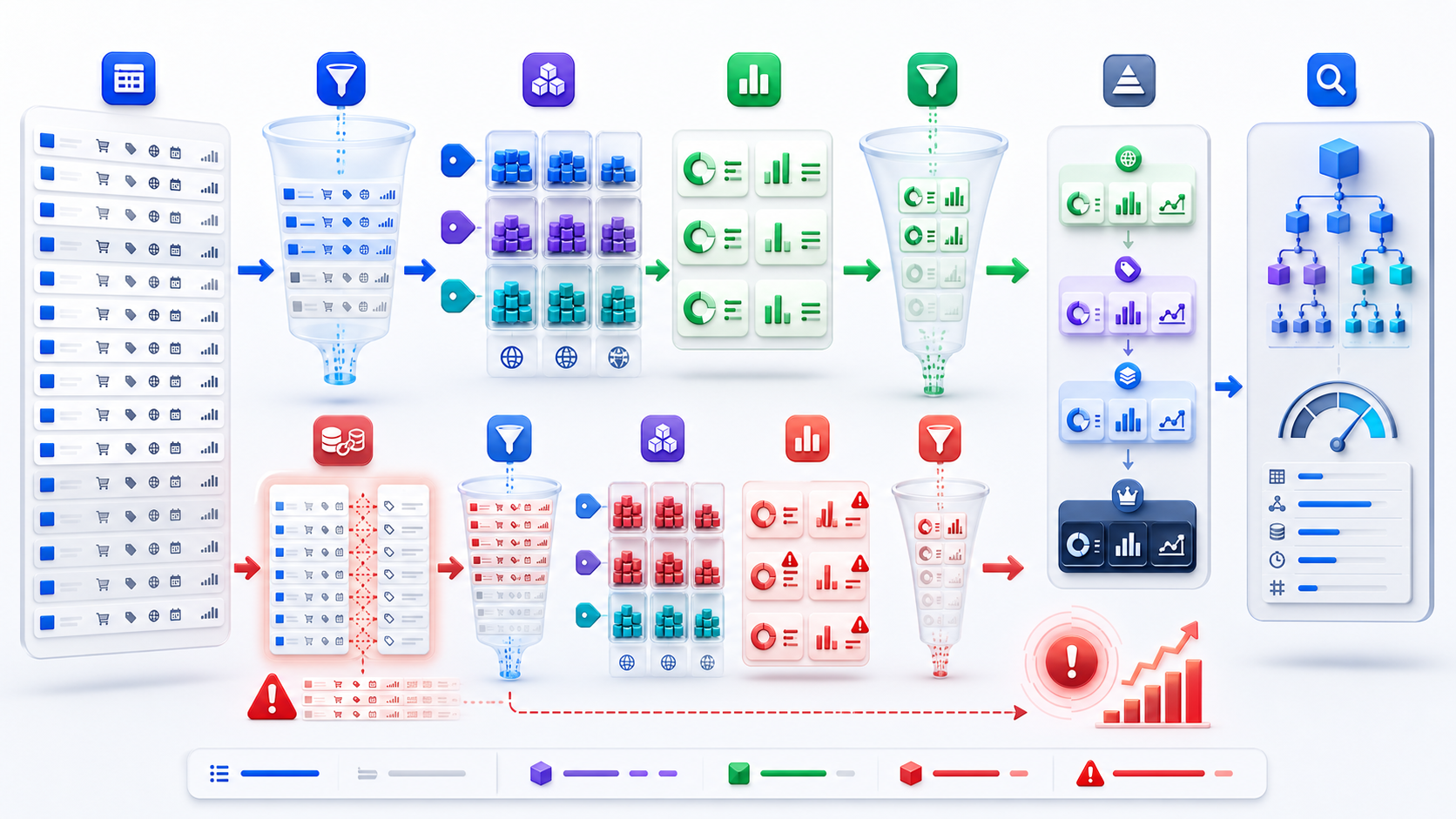
GROUP BY places source rows with equal grouping-expression values into groups so aggregate functions can calculate one result for each group. If the input is one row per order and you group by customer_id, the output normally becomes one row per customer. The clause therefore changes result grain, not merely display order.
SELECT
  customer_id,
  COUNT(*) AS order_count,
  SUM(amount) AS revenue,
  AVG(amount) AS average_order_value
FROM orders
WHERE status = 'completed'
GROUP BY customer_id;
The query first selects completed order rows, then forms one group for each customer, then calculates count, total, and average within each group. Before accepting the result, verify that amount is stored at the order grain and that no earlier join has duplicated orders.
Define aggregation grain before selecting columns
Grain is what one row represents. A grouped query's grain is defined by the complete set of grouping expressions. Grouping by customer_id produces customer-level rows; grouping by customer_id, order_month produces customer-month rows. Adding a descriptive column to GROUP BY can accidentally create a finer grain, especially when the description changes over time or is not functionally dependent on the key.
Use one stable business key when each output row should represent exactly one entity.
Multiple expressions create a combined grain such as product-region-month. Every metric must be meaningful at that level.
Some engines permit columns dependent on a grouped primary key, but portability and clarity may favor explicit handling.
Grouping by current labels can merge or split historical facts incorrectly. Decide which dimensional version applies.
Write a grain sentence. For example: “One output row represents one customer and calendar month, based on completed orders recognized in that month.” This sentence makes required grouping columns and eligible input rows testable.
Understand WHERE, GROUP BY, HAVING, and SELECT order
A useful logical model is: build the FROM rowset, apply WHERE, form groups with GROUP BY, filter groups with HAVING, calculate the select list, then sort the delivered result. Optimizers can transform physical execution while preserving semantics, but this logical order explains why aggregate aliases are not universally available in WHERE and why moving a condition changes the answer.
SELECT
  customer_id,
  SUM(amount) AS annual_revenue
FROM orders
WHERE order_date >= '2026-01-01'
  AND status = 'completed'
GROUP BY customer_id
HAVING SUM(amount) >= 10000;
WHERE defines which orders contribute to annual revenue. HAVING keeps only customer groups reaching the threshold. Placing the revenue threshold in WHERE would compare individual orders, not customer totals. Placing status only in HAVING would require a different conditional aggregation question.
Use multi-column GROUP BY without losing meaning
Multi-column grouping is appropriate when the business output genuinely has several dimensions. A regional monthly product report may group by region, month, and product. The order of ordinary grouping columns does not change which combinations form groups, although it may affect readability and interact with ordered shorthand such as ROLLUP.
SELECT
  region_id,
  DATE_TRUNC('month', order_date) AS order_month,
  product_id,
  SUM(quantity) AS units,
  SUM(net_amount) AS revenue
FROM order_lines
WHERE order_status = 'completed'
GROUP BY
  region_id,
  DATE_TRUNC('month', order_date),
  product_id;
Expression-based grouping introduces additional review questions. Confirm timezone and calendar rules before truncating timestamps. Ensure currency is normalized before summing across regions. Decide whether returns, canceled lines, and late adjustments belong in the population. A syntactically valid group can still combine economically incomparable values.
Prevent double counting before GROUP BY
The most dangerous aggregate errors often happen before GROUP BY. Suppose an order has three line items and two payment records. Joining orders to both children produces six combinations. Summing line revenue and payment amount over that rowset inflates both measures. The group clause correctly aggregates the rows it receives; the input grain is wrong.
WITH line_totals AS (
  SELECT order_id,
         SUM(quantity * unit_price) AS line_revenue
  FROM order_lines
  GROUP BY order_id
),
payment_totals AS (
  SELECT order_id,
         SUM(amount) AS paid_amount
  FROM payments
  GROUP BY order_id
)
SELECT
  o.customer_id,
  SUM(l.line_revenue) AS revenue,
  SUM(p.paid_amount) AS payments
FROM orders o
LEFT JOIN line_totals l ON l.order_id = o.order_id
LEFT JOIN payment_totals p ON p.order_id = o.order_id
GROUP BY o.customer_id;
Each child is reduced to one row per order before the join. The final grouping can then safely move from order grain to customer grain, assuming orders.order_id is unique. Other remedies include semi-joins with EXISTS, deterministic row selection, or calculating independent metrics in separate queries before combining them.
SUM(DISTINCT amount) is rarely a general fix. Two legitimate orders can have the same amount; DISTINCT would collapse equal values rather than duplicated business rows. Repair the grain, not the symptom.
Handle NULL, COUNT, and DISTINCT explicitly
Rows whose grouping expression is null are grouped together. Aggregate functions have their own null rules: COUNT(*) counts rows, COUNT(column) counts non-null values, and SUM or AVG ignore null inputs but may return null when no non-null values exist. Use COALESCE only when substituting zero matches the business meaning; missing and zero are not universally equivalent.
| Expression | Counts or calculates | Common mistake |
|---|---|---|
COUNT(*) | Every input row | Treating joined duplicates as new entities |
COUNT(col) | Non-null values | Calling it the row count |
COUNT(DISTINCT key) | Distinct non-null key values | Masking why the rowset duplicated |
SUM(value) | Non-null numeric inputs | Summing a measure at the wrong grain |
AVG(value) | Mean of non-null inputs | Averaging averages without weights |
SELECT DISTINCT removes duplicate projected rows after expressions are calculated. GROUP BY defines group membership and allows aggregates. They can produce the same distinct key list in a simple query, but they communicate different intent and behave differently once metrics or grouping sets are introduced.
Use HAVING for conditions on groups
Use HAVING when the condition depends on an aggregate or on the group as a whole: customers with at least five orders, products whose revenue exceeds a threshold, or days with an error rate above a limit. Use WHERE for row-level eligibility such as date range, status, tenant, or valid-event flag.
SELECT
  service_name,
  COUNT(*) AS request_count,
  AVG(duration_ms) AS average_duration,
  SUM(CASE WHEN status_code >= 500 THEN 1 ELSE 0 END)
    * 1.0 / COUNT(*) AS error_rate
FROM requests
WHERE request_time >= CURRENT_TIMESTAMP - INTERVAL '1 hour'
GROUP BY service_name
HAVING COUNT(*) >= 100
   AND SUM(CASE WHEN status_code >= 500 THEN 1 ELSE 0 END)
       * 1.0 / COUNT(*) > 0.02;
The minimum sample-size condition prevents tiny groups from appearing solely because one failure creates a high rate. For production alerts, also define zero denominators, late events, time zones, and whether repeated retries represent independent requests.
Create subtotals with ROLLUP and GROUPING SETS
GROUPING SETS calculates several grouping grains in one statement. ROLLUP(region, product) commonly creates region-product detail, region subtotal, and grand total. CUBE creates more combinations. These features are useful for reports but can multiply output groups and complicate downstream interpretation.
SELECT
  region_id,
  product_id,
  SUM(net_amount) AS revenue,
  GROUPING(region_id) AS is_all_regions,
  GROUPING(product_id) AS is_all_products
FROM order_lines
GROUP BY ROLLUP (region_id, product_id);
Subtotal rows often use null placeholders for dimensions not present in that grouping set. Real data can also contain null dimension values. Use the platform's GROUPING metadata rather than assuming every null means “all.” The PostgreSQL GROUP BY documentation explains ordinary grouping, HAVING, grouping sets, CUBE, and ROLLUP behavior.
Review aggregation cost and query complexity
Databases may use hash aggregation, sorted aggregation, parallel partial aggregation, or other strategies. Cost depends on input rows, number and width of grouping keys, expected group count, memory, skew, filters, and whether data already arrives in a useful order. High-cardinality keys can create nearly as many groups as rows. Wide string expressions and repeated calculations increase memory and CPU.
| Complexity signal | Why it matters | Review action |
|---|---|---|
| Many grouping expressions | Grain is hard to explain and groups may explode | Write the grain sentence and profile distinct combinations |
| Aggregation after several joins | Facts may be multiplied before totals | Reconcile rows and pre-aggregate child sets |
| Nested aggregation layers | Averages, rates, and totals may use incompatible grains | Declare input/output grain for each layer |
| Grouping sets or cube | Multiple grains coexist in one result | Tag grouping levels and test output size |
A structural complexity score cannot prove runtime cost because it does not know indexes, statistics, memory, or data distribution. It can reveal that a statement combines many joins, aggregation layers, windows, and nested queries, helping reviewers decide where engine-specific evidence is needed.
Validate GROUP BY results before production
- Define eligible rows. Specify date, status, tenant, currency, validity, and late-arriving-data rules.
- Declare input and output grain. Explain what one source row and one grouped row represent.
- Audit joins first. Compare total rows and distinct fact keys before and after every relationship.
- Reconcile additive metrics. Sum group totals and compare them with an independent trusted total at the same population.
- Test null and empty cases. Include null keys, groups with only null measures, and no qualifying source rows.
- Test group boundaries. Create values just below, equal to, and above every HAVING threshold.
- Tag subtotal levels. Distinguish real nulls from generated grouping-set placeholders.
- Inspect the plan. Review estimated versus actual groups, spills, sorts, skew, and repeated aggregate work.
Inspect the complete GROUP BY query
Paste a sanitized complete statement into the InfiniSynapse SQL Complexity Checker so joins, aggregation depth, HAVING logic, CTEs, subqueries, windows, and dialect features can be reviewed together. Then verify actual data grain, totals, and execution behavior in your database.
Open SQL Complexity CheckerUse sanitized SQL and remove credentials, secrets, and sensitive literal data.GROUP BY SQL frequently asked questions
It places rows with equal grouping-expression values into groups so aggregate functions can return one result per group or grouping set.
WHERE filters source rows before grouping; HAVING filters groups after aggregation. Moving a condition can change the population and answer.
One-to-many or many-to-many relationships may multiply fact rows before aggregation. Restore the intended grain or pre-aggregate child tables first.
Rows with null in the same grouping expression are grouped together. Grouping-set subtotal nulls may require GROUPING metadata.
No. DISTINCT removes duplicate projected rows; GROUP BY defines groups and supports aggregates. They overlap only in simple nonaggregate cases.