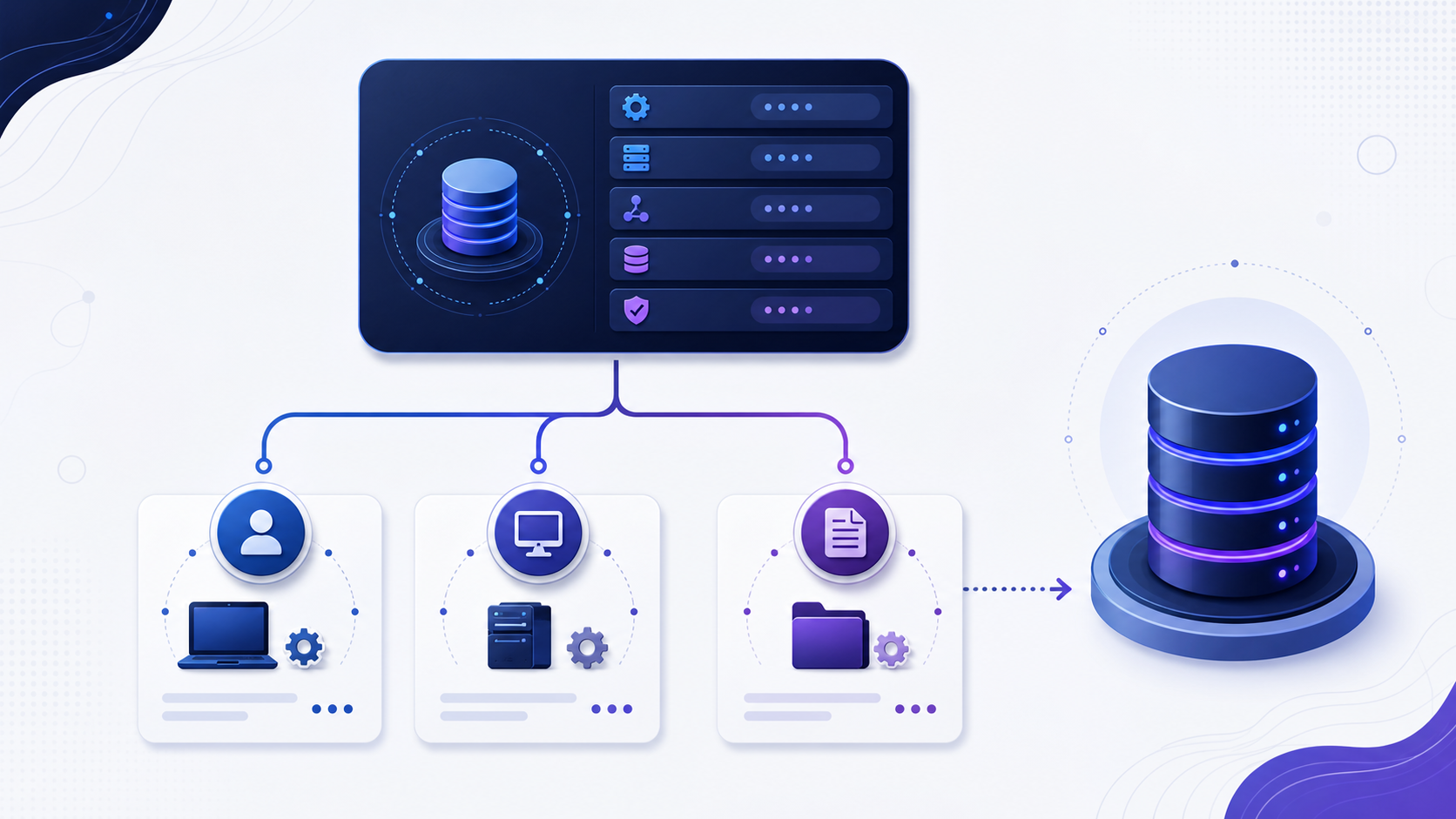
What is a data source name (DSN)?
A data source name (DSN) is the ODBC name for a driver, server, and database. The program refers to that name. The driver and the target live in the DSN. User, system, and file DSNs differ by who can see the name. DSN can also mean Deep Space Network; that is not this page.
Troubleshoot from the client context that actually fails. Record time, source network, endpoint, driver and version, sanitized effective configuration, exact error, first failing stage and recent changes. Do not paste passwords, tokens, private keys or complete production connection strings into tickets or public tools.
Choose the correct Data Source Name type
A Data Source Name is a named set of ODBC connection attributes, but its visibility depends on where and how it is stored. A User DSN belongs to a user profile; a System DSN is intended for processes on the machine; a File DSN stores configuration in a shareable file. These scopes are operationally different. A User DSN created during an administrator’s interactive session is not evidence that a Windows service account can see the same definition.
Architecture adds another axis. On 64-bit Windows, 32-bit and 64-bit applications use different ODBC administrator executables and registry views. Identical DSN names can therefore resolve to different drivers and settings. Before editing anything, record the failing application’s bitness and account, then inspect the matching DSN store. Avoid creating duplicate names in both stores unless the deployment intentionally supports both architectures and tests both.
| DSN type | Visibility | Good fit | Primary risk |
|---|---|---|---|
| User DSN | One user profile and matching architecture. | A user-owned desktop workflow. | Unavailable to services, other users or non-loaded profiles. |
| System DSN | Machine processes in the matching architecture, subject to permissions. | Shared applications and Windows services. | Machine drift when definitions are created manually. |
| File DSN | Processes that can read the file and load its named driver. | Portable non-secret connection templates. | Path, permission, driver-name and secret-exposure problems. |
A DSN-less connection puts the same facts in the program
Skip the saved name and the driver, server, and database have to travel with the program. That value is a connection string. A DSN keeps the name on the machine. A DSN-less connection keeps the parameters with the application. Neither one proves that login succeeded. Whether the session opens is a database connection.
Document a DSN as configuration, not a mystery name
The DSN label itself carries no protocol guarantee. The useful artifact is a sanitized inventory of the driver, server or service endpoint, database, encryption and certificate settings, authentication mode, timeouts and vendor-specific options. Driver defaults can change across upgrades, so record security- and routing-relevant values explicitly. The same friendly name on two machines is not proof of equivalent configuration.
Separate secrets from reusable definition. A DSN may contain a username or authentication choice, but storing a reusable password in a broadly readable registry key or File DSN creates a credential-management problem. Use integrated identity, workload identity, an approved secret manager or runtime prompt when supported. Export only non-secret settings for review, and redact access tokens, passwords, private keys and complete production connection strings.
Minimum DSN record: owner, purpose, consuming applications, architecture, driver/version, non-secret attributes, target environment, authentication class, last test date, change ticket and retirement condition.
Deploy DSNs reproducibly across environments
Manual creation through a graphical administrator is useful for investigation but weak as a production deployment method. It is easy to choose the wrong architecture, miss a driver keyword or configure one server differently. Manage non-secret DSN definitions as versioned configuration using the organization’s approved deployment mechanism. Validate prerequisites first: the correct signed driver is installed, its version is supported, the application account can read the definition and the target trust material exists.
Parameterize environment-specific values rather than cloning a production export into test. Development, staging and production should have distinct endpoints, databases, identity classes and certificate policies even when the DSN schema is shared. Add a post-deployment test that runs under the actual service identity and architecture, loads the intended driver, opens a fresh connection and performs a bounded read that confirms database identity.
- Declare prerequisitesPin supported driver packages and verify their architecture and signatures.
- Apply non-secret configurationCreate the correct DSN type under the approved account and registry/configuration view.
- Inject identity securelyResolve credentials or integrated identity at runtime instead of embedding them.
- Verify from the consumerTest with the actual application account, architecture and network path.
Detect DSN drift and retire stale definitions
DSNs often outlive the applications that created them. Old entries can point to retired servers, depend on unsupported drivers, preserve weaker TLS behavior or retain forgotten credentials. Build an inventory that maps each DSN to an owner and consuming process. Compare the sanitized effective definition with the approved baseline, but do not declare drift solely because a vendor adds a harmless default field; focus on values that change destination, identity, encryption, timeout or data semantics.
For a driver or endpoint migration, create a separate canary definition rather than overwriting the shared DSN immediately. Move one controlled consumer, validate connection creation and representative data behavior, then expand. Keep rollback explicit and time-limited. After traffic and process inventories confirm that the old DSN has no consumers, remove it together with obsolete driver packages, credentials and firewall access according to change policy.
| Lifecycle check | Pass condition | Owner action |
|---|---|---|
| Ownership | Named business and technical owners exist. | Review purpose and consumers on a schedule. |
| Driver support | Installed version remains within the approved support window. | Plan and test upgrade before end of support. |
| Usage | Observed consumers match the inventory. | Investigate unknown use or approve retirement. |
Give every production DSN an owner and expiry review
Treat a DSN as a managed dependency. Its record should name the business purpose, technical owner, consuming executables and services, supported architecture, driver package, target environment, authentication class and data sensitivity. Add a review date tied to driver support and certificate or credential lifecycle. A DSN without an owner should not be copied to a new host until its use and access scope are understood.
During review, compare observed consumers with the inventory, verify that the endpoint and driver remain approved, confirm that encryption and certificate verification are explicit, and check that no reusable secret is stored in the definition. Test from the real service account and retain a sanitized result. If no consumer is observed through an agreed business cycle, request retirement approval and remove the DSN, obsolete driver, associated credential and temporary network access as one controlled change.
A repeatable Data Source Name diagnostic workflow
Move from observed runtime context to the first failing stage, then validate the smallest safe correction.
- Capture the exact contextRecord time, runtime identity, source network, driver/version, sanitized configuration, endpoint, database and error.
- Resolve the effective destinationVerify DNS answers, route, proxy and the exact the port stored or implied by the selected database driver used by the process.
- Test transport and TLSMeasure socket and handshake stages separately; verify trust chain and server identity.
- Test identity and target scopeValidate runtime credentials or an approved integrated identity rather than embedded reusable secrets, database or service selection and effective permissions.
- Run a minimal safe operationUse a deterministic, bounded, read-only operation before representative workload testing.
- Correct, retest and monitorChange one controlled variable, preserve rollback, retest from the failing context and watch recurrence.
Prepare Data Source Name evidence for compatibility review
Prepare sanitized engine and version, client runtime, driver and version, source environment, endpoint, the port stored or implied by the selected database driver, database or service, TLS mode, authentication method, effective non-secret properties, exact error, first failing stage and recent changes. Never include passwords, tokens, private keys or unredacted production strings.
Review Data Source Name compatibility
Use the InfiniSynapse DB Compatibility Checker to organize engine, driver, endpoint, protocol and TLS questions from sanitized evidence. Treat the output as guidance, then validate the real workload path, permissions, performance and failure behavior in an approved environment.
Open DB Compatibility CheckerData Source Name FAQ
What is a data source name (DSN)?
A data source name (DSN) is the ODBC name for a driver, server, and database. User, system, and file DSNs differ by who can see the name. The name does not by itself prove authentication, authorization, or query success.
How do I test Data Source Name?
Test from the failing runtime in stages: configuration, DNS, route, transport, TLS, protocol, authentication, database selection and a minimal safe operation.
Why does Data Source Name connect but login fail?
Transport success reaches the listener, while login depends on identity, secret, authentication method, source rule, account state and target database context.
Should Data Source Name be open to the internet?
Normally no. Prefer private connectivity and narrowly scoped allowlists. If public exposure is unavoidable, require verified TLS, strong identity, monitoring and explicit risk approval.
What information is safe to share when troubleshooting Data Source Name?
Share sanitized versions, endpoint class, port, driver, TLS mode, authentication type, exact error and stage timing. Never share passwords, tokens, private keys or full production strings.
How can I avoid Data Source Name outages during change?
Inventory consumers, test compatibility, canary the change, keep overlap and rollback, monitor new and old paths, and remove temporary access only after traffic proves completion.