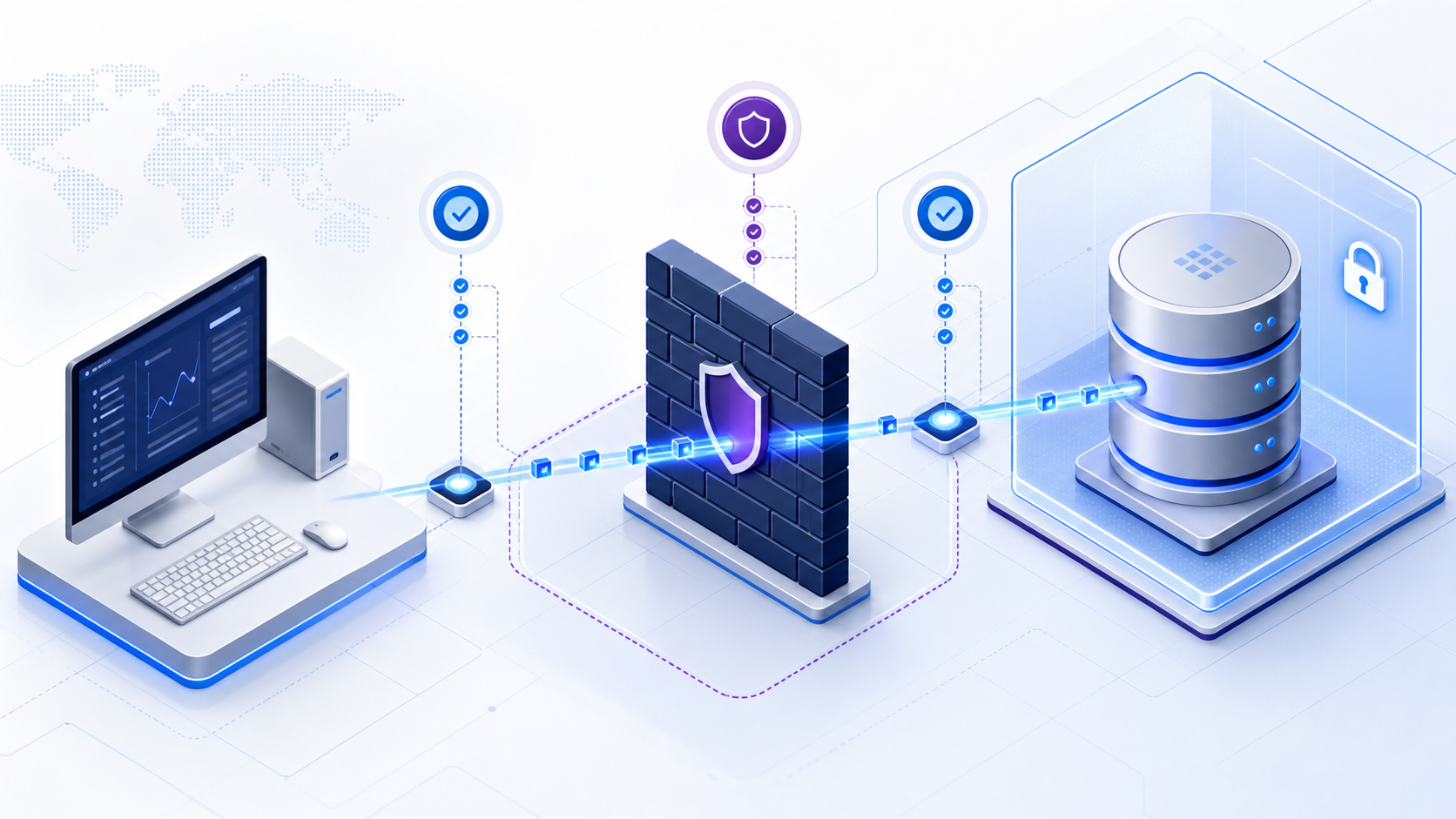
What is port 1433 used for?
Port 1433 is the conventional default TCP port for a default Microsoft SQL Server Database Engine instance. It is not guaranteed to be the active port. A named instance may choose a dynamic port, and an administrator can assign a different static port. Confirm the real listening port before changing a firewall rule.
Key terms for port 1433
These blocks match the DefinedTerm nodes. Use them when you shortlist a listener change.
| Term | Meaning on this page |
|---|---|
| port 1433 | Conventional default TCP port for a default Microsoft SQL Server Database Engine instance. Not guaranteed to be the active listener. Registry: IANA. |
| Default instance | The unnamed SQL Server instance that commonly listens on TCP 1433. |
| Named instance | A non-default instance. It often uses a dynamic or assigned TCP port instead of 1433. |
| SQL Server Browser | Windows service on UDP 1434 that tells clients which TCP port a named instance uses. |
| TDS 8.0 | Tabular Data Stream 8.0 with SQL Server 2022 Force Strict Encryption. A TCP success does not prove this handshake. See Wikipedia: TDS. |
| AG listener | Always On availability-group DNS name. Reaching port 1433 on one replica is not the listener. |
Port 1433 vs 1434: test the correct protocol
TCP sessions versus Browser discovery
The similar numbers cause a common diagnostic mistake. SQL Server database connections normally use a TCP port. For a default instance, that is commonly TCP 1433. SQL Server Browser listens on UDP 1434 and tells a client which TCP port a named instance uses. Browser discovery is not the database session itself. See Microsoft Learn on the SQL Server Browser service.
| Component | Typical port | Purpose | What to test |
|---|---|---|---|
| Default instance | TCP 1433 | Database connections | TCP path from the application |
| Named instance | Dynamic or assigned TCP port | Database connections | Discover the actual port first |
| SQL Server Browser | UDP 1434 | Instance-to-port discovery | Only when discovery is required |
What an open port 1433 proves—and does not prove
A successful TCP test proves
The tested client can resolve the target and complete a TCP connection to the selected host and port at that moment.
It does not prove
SQL authentication, database permissions, TLS compatibility, database names, application connection strings, query execution, or production readiness.
Use reachability as the first layer of a layered diagnosis: DNS, route, firewall, listening socket, TLS, authentication, authorization, and application behavior. This prevents the misleading conclusion that an open port 1433 means SQL Server is healthy.
Collect four facts before testing port 1433
- Exact hostUse the same DNS name or private IP the application uses. Testing localhost answers a different question.
- Actual instance portCheck SQL Server Configuration Manager or the error log. Do not assume a named instance uses 1433.
- Real client network pathRun the test from the application host, subnet, VPN, container, or build agent that experiences the failure.
- AuthorizationTest only approved systems. A port test needs a host and port—not a password, connection string, or production secret.
How to check if port 1433 is open
Confirm the listener, then test from the failing client
- Confirm the listenerReview TCP/IP settings and the error-log entry that reports the listening address and port. Restart the Database Engine if a configuration change requires it.
- Test from the affected clientReplace the placeholder below with an authorized DNS name or private IP. A true result confirms TCP reachability only for that source, destination, and moment. For the socket command itself, see Test-NetConnection.
- Use an explicit endpointTo bypass instance discovery, use
tcp:server.example,1433. If the instance listens elsewhere, substitute the verified port. - Continue above the network layerIf TCP succeeds but the application fails, inspect TLS, login method, account state, permissions, database name, driver, and connection-string options.
# Run from the same network path as the application.
Test-NetConnection -ComputerName db.internal.example -Port 1433

# Inspect the network-layer result:
TcpTestSucceeded : True
Do not publish real hosts, IP addresses, credentials, or connection strings. Use sanitized values when sharing diagnostic evidence.
Interpret common port 1433 test results
| Result | Likely meaning | Next check |
|---|---|---|
TcpTestSucceeded: True | TCP reached a listener | Test TLS, login, database selection, and permissions |
| Connection refused | The target responded, but no listener accepted the port or a device actively rejected it | Verify service, port, binding, and local firewall |
| Timeout / filtered | A firewall, route, VPN, security group, or ACL may drop packets | Trace source-to-destination policy from the correct subnet |
| DNS failure | The client cannot resolve the host | Check private DNS, VPN, suffix, and spelling |
| Login or TLS error after TCP succeeds | The network works; the failure is higher in the stack | Check certificates, encryption, authentication, driver, and permissions |
Desk lab: two sanitized SQL Server packets
First-person note (William Zhu): I personally read the following sanitized packets while reviewing authorized SQL Server tickets in 2026 H1 (marker DESK-P1433-20260814A). Hosts and instance names are masked. These are desk reading notes—not audited customer SLAs and not a laboratory benchmark. Re-run the same checks on your authorized path before changing production controls.
Case A: TCP succeeded on the wrong instance
A named instance SQL2019\APP listened on dynamic TCP 49812. A change ticket opened inbound 1433 toward the host. Test-NetConnection returned True because a leftover Express default instance still owned the conventional listener. The application kept failing. The fix was the named-instance port in the connection string, not a wider firewall. Opening port 1433 had tested a different process.
Case B: TCP succeeded, TDS 8.0 then failed
From the application subnet, TCP to the verified listener succeeded. The driver used Encrypt=strict (TDS 8.0). The engine was SQL Server 2019. Pre-login failed after the socket. Microsoft documents TDS 8.0 with SQL Server 2022 Force Strict Encryption—see TDS 8.0. The post-mortem: treat TLS policy as a separate evidence layer from reachability.
Signed: William Zhu · marker DESK-P1433-20260814A · verified 2026-08-14 · contact zhuhl@infinisynapse.com.
Desk composite: where first failure sat (n=16)
We reviewed 16 sanitized SQL TCP packets. Raters were InfiniSynapse engineers. Percentages are decision aids, not vendor performance claims. Download: desk-p1433-packet.csv (CC BY 4.0).
Collection method: n=16 authorized, sanitized tickets in 2026 H1. Two InfiniSynapse raters assigned one first-failure layer per packet (named-instance/dynamic port, firewall/timeout, TCP-ok then TLS/login, or wrong host). Counts: 6 / 4 / 4 / 2 (38% / 25% / 25% / 12%). We do not invent a larger census. Independent method anchors for port 1433 itself: IANA, Microsoft Learn TCP/IP Properties, and Wikipedia: Microsoft SQL Server—those pages do not certify this desk sample.


Why SQL Server port 1433 is not listening
Named instances, bindings, and pending restarts
A missing port 1433 listener does not automatically mean SQL Server is down. The instance may be healthy on another port. Check these causes in order:
- Named instance: it may use a dynamic TCP port.
- TCP/IP disabled: the protocol may not be enabled for this instance.
- Pending restart: a port change may not take effect until the service restarts.
- Wrong IP binding: the expected interface may be disabled or configured differently.
- Port conflict: another process may already own the configured port.
The SQL Server error log records which IP addresses and ports the server is listening on. That evidence is more reliable than assuming the default.
Configure access without overexposing port 1433
An inbound rule should be a narrow business exception, not blanket internet exposure. Define the verified destination and TCP port, approved source ranges, environment, owner, review date, and removal condition. Third-party controls (not our desk /16 scores): the CIS Microsoft SQL Server Benchmark treats an internet-facing Database Engine as a hardening exception; NIST SP 800-53 SC-7 expects the listener behind a defined boundary. A green TCP test of the listener from the public internet is usually a failed control, not a health check.
Preferred controls
Private networks, VPN or peering, source allowlists, segmentation, TLS, least-privilege accounts, monitoring, and expiring change records.
Avoid
Opening TCP 1433 to every source, embedding credentials in scripts, or leaving temporary rules active after testing.
Version differences that change how you test
On-premises engines versus Azure SQL
The default-instance convention stays port 1433 from SQL Server 2016 through 2022, but the surrounding path does not. Named instances still depend on SQL Server Browser (UDP 1434) or an explicit static port. SQL Server 2022 adds Force Strict Encryption and TDS 8.0; older engines cannot complete that handshake. On Linux, inspect mssql-conf rather than Configuration Manager. Azure SQL Database typically accepts client connections on 1433 at a gateway, then may redirect the session to a different port—so a single on-prem firewall mental model is incomplete. See Microsoft’s Azure SQL connectivity architecture.
| Platform | Default TCP convention | What changes |
|---|---|---|
| SQL Server 2016–2019 | Default instance 1433 | Named instances: dynamic or static TCP; Browser on UDP 1434 |
| SQL Server 2022 | Default instance 1433 | Force Strict Encryption / TDS 8.0 can fail after TCP succeeds |
| SQL Server on Linux | Configurable tcpport | No Configuration Manager GUI; use error log and mssql-conf |
| Azure SQL Database | Gateway often 1433 | Redirect to other ports; no SQL Server Browser |
Advanced scenarios: AG listeners and connection redirect
Do not treat a node IP as the availability-group listener
An Always On availability-group listener has its own DNS name. Reaching port 1433 on one replica node does not prove the listener, the current primary, or MultiSubnetFailover behavior. Record which hostname the application actually uses. For Azure SQL, a successful first socket to 1433 can still fail after redirect if intermediate devices allow only the gateway port. Keep the first hop and the redirected hop as separate evidence rows.
When you must bypass Browser discovery, pin tcp:listener.example,1433 only after the error log confirms that address and port. If the AG listener uses a different port, substitute it. Pair this with the database connection layer model rather than repeating a laptop Test-NetConnection against localhost.
Validate every layer after port 1433 becomes reachable
A successful TCP connection is a useful boundary, but it is not the finish line. It shows that the tested client reached a listening process at the resolved address and port during that attempt. It does not identify the process as the intended SQL Server instance, prove that encryption policy can be negotiated, authenticate a login, select the expected database, authorize an operation, or show that a query returns correct results. Preserve the endpoint, source network, timestamp, resolved address, and command output so the result can be compared with application logs rather than remembered informally.
| Validation layer | Evidence of success | If it fails |
|---|---|---|
| Name resolution | The hostname resolves to the approved address for the intended environment. | DNS suffix, private zone, VPN context, stale cache, and split-horizon records. |
| TCP reachability | A connection to the verified host and configured SQL Server TCP port succeeds. | Listener binding, routing, firewall, security group, network ACL, and source allowlist. |
| TLS and pre-login | The driver and server agree on encryption and the certificate is valid for policy and hostname. | Driver version, trust chain, certificate name, expiry, protocol version, and encryption settings. |
| Authentication | The intended Windows, SQL, federated, or workload identity is accepted. | Authentication mode, account state, credential source, clock, identity mapping, and sanitized error code. |
| Database authorization | The login maps to the intended database user and can perform only the required operation. | Default database, user mapping, roles, explicit denies, object grants, and row-level policy. |
Run the application-level test from the same execution context as the failing workload whenever possible. A successful administrator test from a laptop may use a different DNS resolver, route, source address, driver, certificate store, identity, or connection string. Match the real workload before concluding that port 1433 is healthy. If a temporary firewall exception is used to isolate the cause, give it an owner and expiry, record the before-and-after result, then remove it promptly.
Check the SQL Server endpoint before deeper debugging
Use the InfiniSynapse DB Compatibility Checker to verify TCP reachability for an authorized SQL Server host and port 1433. For SQL Server, this check is limited to the network endpoint: it does not validate credentials, TLS, permissions, or query execution.
Commercial association: You do not need the checker to complete the educational diagnosis on this page.
Open DB Compatibility Checker Use only authorized, sanitized endpoint information. Do not paste secrets.A practical decision tree for port 1433 failures
- Can the client resolve the hostname?If no, fix DNS, VPN, or the endpoint before inspecting SQL Server.
- Is the verified TCP port reachable?If no, distinguish refusal from timeout, then inspect listener, routing, firewall, security group, and source allowlist.
- Can the SQL client complete TLS and authentication?If TCP passes but the client fails, focus on certificates, encryption, login method, account state, and driver behavior.
- Can the account access the intended database?Validate the database name, default database, mappings, roles, and least-privilege permissions.

Port 1433 FAQ
What is port 1433 used for?
TCP port 1433 is the conventional default port for a default Microsoft SQL Server Database Engine instance. Named instances may use dynamic ports, and administrators can assign another static port.
What is SQL Server port 1433?
SQL Server port 1433 is the default TCP port for a default Database Engine instance. It is the same convention as port 1433 on IANA. Named instances may listen elsewhere.
Is SQL Server port 1433 TCP or UDP?
Database traffic on 1433 normally uses TCP. UDP 1434 is associated with SQL Server Browser and named-instance discovery.
How do I check whether port 1433 is open?
From the application's network path, run Test-NetConnection with the authorized host and verified port, then inspect TcpTestSucceeded.
Why is SQL Server port 1433 not listening?
The instance may use a dynamic or custom port, TCP/IP may be disabled, a restart may be pending, or the test may target the wrong interface.
Does an open port 1433 prove that SQL Server works?
No. It proves TCP reachability only, not authentication, permissions, TLS, database names, or query execution.
Should port 1433 be exposed to the public internet?
Avoid broad public exposure. Prefer private networking, strict source allowlists, encryption, least privilege, and monitoring.
Official Microsoft references
Port behavior and troubleshooting guidance were verified against Microsoft documentation. InfiniSynapse product claims are limited to the tool's stated TCP reachability scope.
- Microsoft Learn: TCP/IP Properties
- Microsoft Learn: Connect to the Database Engine
- Microsoft Learn: Connect from another computer
- Microsoft Support: Troubleshoot network-related SQL Server errors
- Microsoft Learn: SQL Server Browser service
- Microsoft Learn: Configure Windows Firewall for Database Engine access
- Microsoft Learn: TDS 8.0
- Microsoft Learn: Azure SQL connectivity architecture
- IANA Service Name and Transport Protocol Port Number Registry
- CIS Microsoft SQL Server Benchmark
- NIST SP 800-53 Rev. 5 (SC-7 Boundary Protection)
- Wikipedia: Microsoft SQL Server
- Wikipedia: Tabular Data Stream